
TL;DR

Get everyday essentials delivered free with Prime
- Fast, free delivery on millions of items
- Prime Video, Amazon Music and more included
- Member-only deals all year
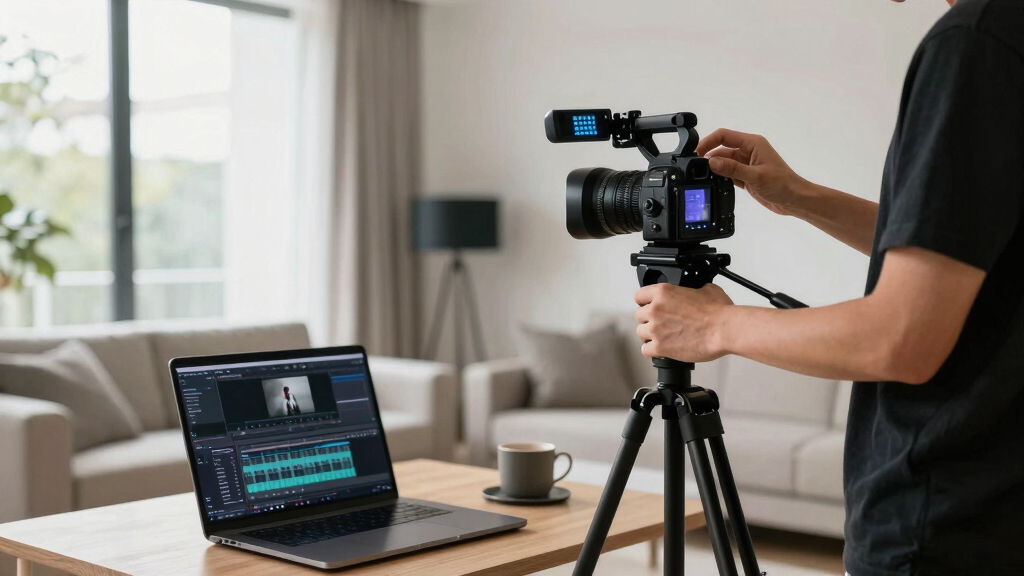
A single video can be the seed for an entire publishing kit—cover images, press sheets, social assets—crafted offline. This approach boosts control, privacy, and reuse, avoiding cloud-based dependencies while streamlining production.
Imagine pressing a button and watching a full media kit, social posts, and launch assets emerge from a single video file. No cloud, no waiting for uploads, just your own machine turning raw footage into a package ready for every platform. That’s the promise of a local-first, video-to-publishing workflow—a game changer for creators who want control, privacy, and speed.
Most publishing tools rely heavily on the cloud—collaborating, backing up, scaling. But what if you could do it all offline? Keep your assets private, avoid internet dependencies, and still produce a professional, multi-format media kit? That’s what this guide is about: transforming one video into an entire publishing ecosystem, without relying on cloud services.
Key Takeaways
- A single video can generate a full suite of promotional and publishing assets—press kits, social snippets, and launch materials—without relying on cloud services.
- Offline workflows give you full control over your assets, reduce dependency on internet speed, and enhance privacy.
- Building a structured, local media library with consistent naming and versioning speeds up repurposing and reuse across channels.
- While offline workflows require disciplined backup routines and version control, the tradeoff is greater security and faster turnaround times.
- This approach is ideal for indie creators, educators, and small teams prioritizing privacy, speed, and control over collaboration convenience.
Products Worth Considering

Ring Alarm 8-Piece Kit (2nd Gen) Home Security System

Ring Alarm 14-Piece Wireless Security System Kit

Philips Hue White and Color Ambiance Smart Light Starter Kit with Bridge and 4 A19 Bulbs
As an affiliate, we earn on qualifying purchases.
How One Video Becomes a Complete Publishing Kit—Step by Step
Turning a single video into a full publishing kit is about layering assets. First, you transcribe the video with precise timestamps. Then, extract key quotes, create visual snippets, and assemble a compelling one-sheet. Each step builds on the last, culminating in a package ready for multiple outlets.
For example, a 20-minute interview might generate a detailed transcript, highlight memorable quotes, and identify high-retention moments. These become social clips, article snippets, and press materials—all crafted offline and stored locally.
Why Building a Publishing Kit Offline Is a Smart Move
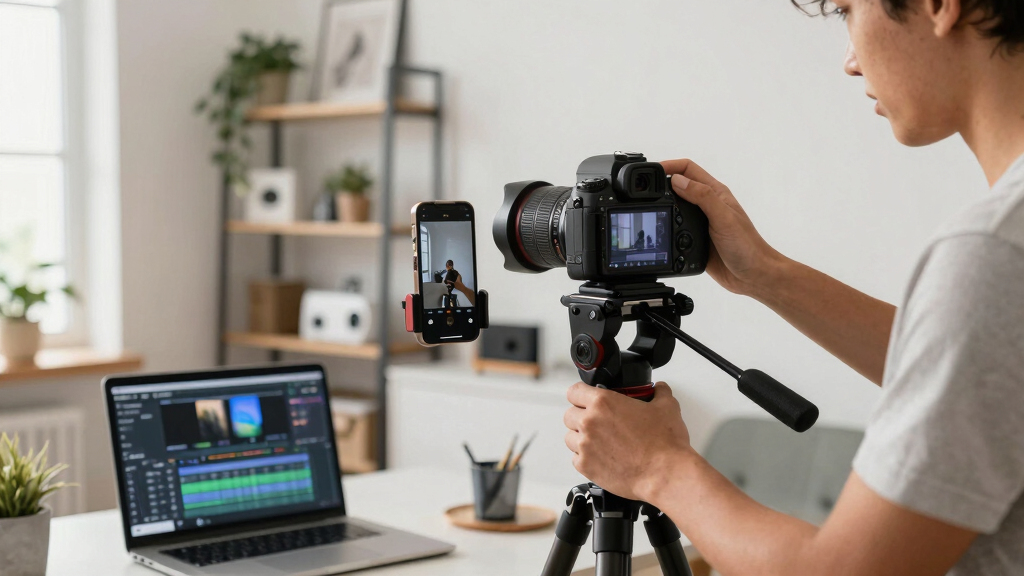
Cloud tools promise convenience, but they come with tradeoffs: dependence on internet, data privacy concerns, and potential delays. Going offline keeps your assets safe on your local machine, gives you instant control, and speeds up workflows. Plus, you can work anywhere—no Wi-Fi needed.
For instance, indie authors and educators often prefer local workflows to avoid data leaks or slow upload speeds. They can generate a media kit, promotional assets, and launch materials in minutes, not hours, without ever touching a cloud server.
Beyond privacy and speed, an offline approach also fosters a deeper understanding of your assets. When you manually manage and process everything, you develop a more intimate connection with your content, which can inspire more creative and tailored promotional materials. Learn more about offline workflows in this guide. However, this requires discipline—regular backups, meticulous organization, and version control become crucial to avoid losing valuable work or creating conflicting versions. The tradeoff is that while you gain control and security, you must be more proactive in managing your assets, as automation and real-time collaboration are limited without cloud integration.

Asset Checklist: What You Need to Build Your Full Publishing Kit
Here’s a simple list of assets you should gather from your video to craft a professional kit: For more detailed asset checklists, visit this page.
- High-res cover image and author photo
- Concise one-sheet with key info and hooks
- Press biography and talking points
- Multiple versions of social media snippets (vertical, square)
- Short promotional videos or clips
- Links to buy, subscribe, or follow
All of these can be generated from your video with a local AI or editing tools, ensuring full control and quick turnaround. For tips on building your media assets offline, see this resource.
It’s important to understand that each asset serves a specific purpose in your promotional ecosystem. For example, high-res images are essential for print and press materials, providing a professional look, while optimized social snippets are tailored for engagement on platforms like Instagram or TikTok. By organizing these assets systematically, you ensure consistency across channels, save time during the distribution phase, and maintain brand integrity. The process of generating these assets offline also allows for iterative refinement—adjusting visuals and copy until they perfectly match your message—something less feasible with cloud-dependent workflows that often emphasize speed over precision. Discover more about offline publishing workflows at this site.
Comparison Table: Cloud vs. Local Publishing Workflows
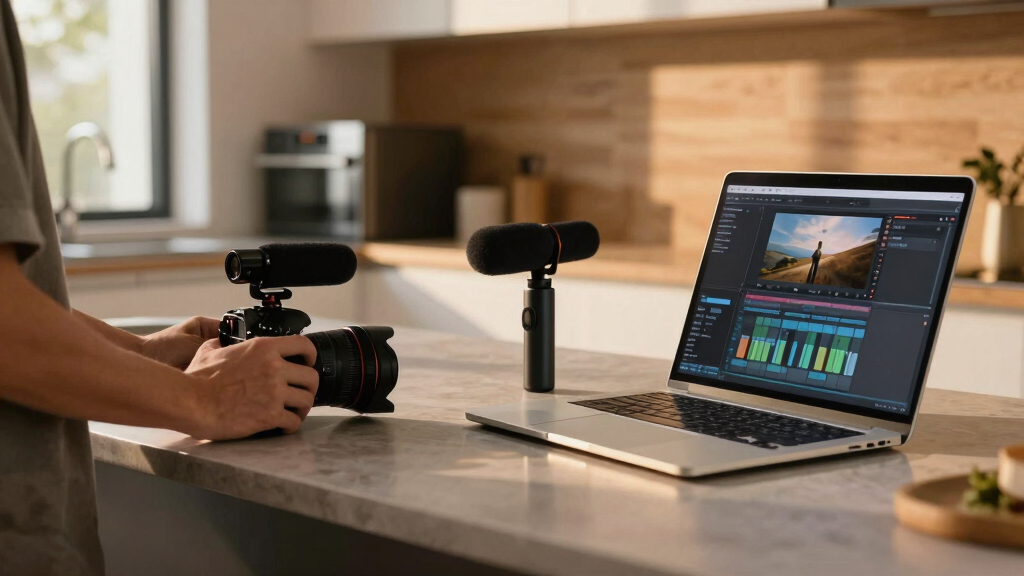
| Feature | Cloud Workflow | Local Workflow |
|---|---|---|
| Control | Shared access, dependency on internet | Full control, offline storage |
| Speed | Dependent on upload/download speeds | Instant, local processing |
| Privacy | Data stored externally, risk of leaks | Assets stay on your machine |
| Collaboration | Easy across teams via shared links | Requires manual sync, but more secure |
| Backup & Recovery | Automatic, cloud-based | Manual, using local backups |
Risks and Limits of a Cloud-Free Approach
Going offline isn’t without its challenges. Version control can get tricky when multiple edits happen across devices. Backup routines are manual, so a lost file means lost work unless you stay vigilant. Collaboration is slower—no instant updates or shared comments.
For example, a publisher might accidentally overwrite an asset or forget to back up a project, risking delays. But these issues can be managed with disciplined workflows, local versioning, and regular backups. It’s essential to adopt a habit of consistent naming conventions, scheduled backups, and clear version histories. Also, maintaining a structured workflow—such as working on copies and archiving finalized versions—helps mitigate risks. While these steps demand more manual effort, they ultimately lead to a more resilient and secure content management system that aligns well with privacy priorities and offline independence.
How to Maximize Efficiency and Reuse Assets Offline
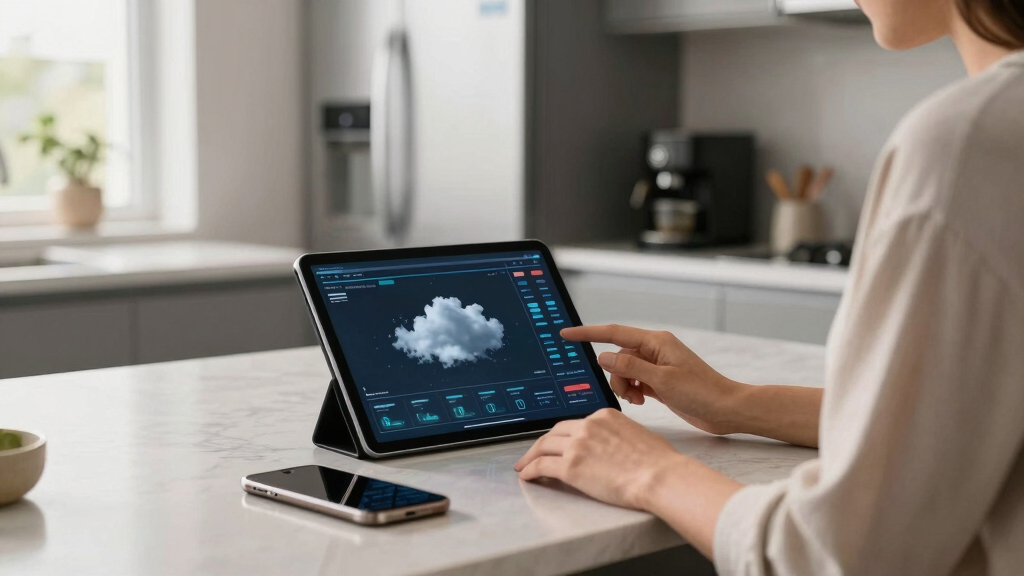
Here’s a quick plan for making the most of your assets:
- Develop a consistent naming convention for files.
- Create master versions of key assets—high-res cover, author photo, etc.
- Use a local media management tool to tag and organize assets.
- Automate export presets for different resolutions and formats.
- Regularly back up your entire asset library to external drives.
This ensures you can quickly generate social assets, press sheets, or promotional videos from a well-organized local library. The key is maintaining a disciplined workflow—regularly updating your master files, keeping your library organized, and automating repetitive tasks reduces errors and saves time. In the long run, this approach fosters a highly efficient environment where assets can be reused effortlessly across multiple projects and channels, maximizing your productivity and creative control without depending on cloud services.

Real-World Use Cases: Who Benefits Most
Indie authors, course creators, and small media teams love this approach because it’s fast, private, and flexible. For instance, an author can produce a polished media kit from a 15-minute video interview—ready for pitch meetings or social promotion—without waiting for cloud uploads.
Similarly, educators can generate lecture promos, article snippets, and social content from a single recorded session, all stored and edited locally. This offline workflow not only accelerates turnaround times but also enhances data security, especially crucial when handling sensitive or proprietary material. It also enables work in environments with limited or unreliable internet, such as remote locations or during travel. These benefits make offline workflows particularly attractive for creators who prioritize privacy, speed, and control, and who need to ensure their assets are protected from external breaches or service outages.
Frequently Asked Questions
What exactly is included in a ‘publishing kit’?
A publishing kit typically includes high-resolution cover images, a compelling one-sheet, press bios, social media snippets, promotional videos, and links. All are generated from your video and stored locally, ready for multi-channel distribution.
How does one video become a media kit, one-sheet, and promo package?
By extracting key quotes, visual moments, and information from the video—then designing assets like images, briefs, and snippets—you assemble a comprehensive set of promotional materials. Automation tools can help generate these assets offline.
What files should be exported in high-res vs low-res?
High-res files (300 dpi) are for print, press kits, and detailed media sheets. Low-res versions (72 dpi or optimized for web/social media) are ideal for quick sharing, previews, and social posts. Keep both organized for easy access.
Is a cloud-free workflow safer or just more limited?
It’s safer in terms of privacy and control, but it requires disciplined management—regular backups, version control, and manual syncing. Cloud workflows excel at collaboration but at the cost of dependency on external servers.
Can this workflow support book launches, podcast pitches, and influencer outreach?
Absolutely. From a single video interview or recording, you can craft all necessary assets—press sheets, social posts, promotional videos—tailored for each channel, all stored and edited offline.
Conclusion
Your video can be the seed for a full-blown, multi-platform publishing kit—crafted entirely on your local machine. This method boosts your control, speeds up your workflow, and keeps your assets private. It’s a straightforward shift that can save hours and sharpen your publishing edge.
Think of it as turning a single seed into a thriving garden—without ever needing to step outside. Ready to build your offline publishing ecosystem? Your next project awaits, fully contained and ready to grow.