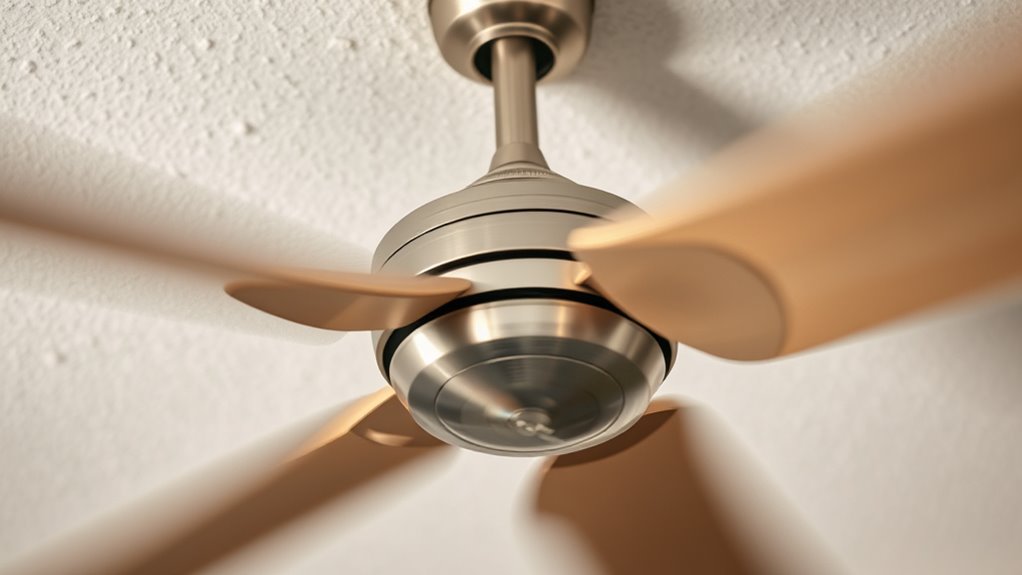

If your ceiling fan is wobbling and noisy, start by turning off the fan and inspecting the blades for bends, misalignment, or uneven weight. Tighten any loose screws and use a balancing kit or tape to adjust the blades for even weight distribution. Regular cleaning and checking for corrosion can also promote stability. If issues persist, seeking professional help can ensure proper repair, and you’ll discover more tips on achieving smooth, quiet operation ahead.
Key Takeaways
- Inspect and straighten or replace bent or misaligned blades for proper balance.
- Use a balancing kit or tape method to identify and correct uneven blade weight.
- Tighten all blade screws and ensure blades are securely attached.
- Clean dust and corrosion from blades and motor to reduce wobbling and noise.
- Check the mounting support and internal components, and consult a professional if needed.
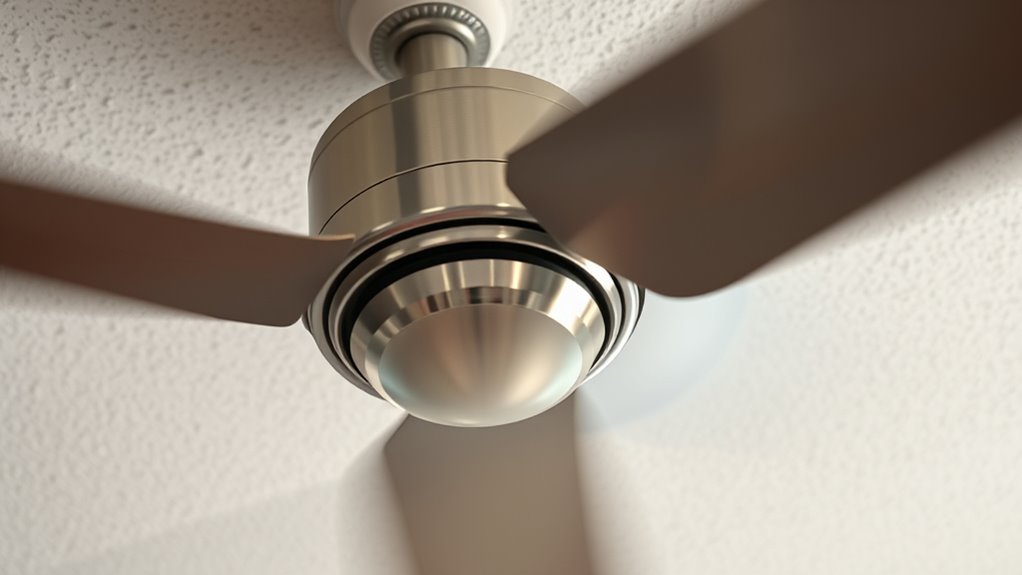
A ceiling fan wobbling can be not only annoying but also a sign of underlying issues that need fixing. When your fan wobbles, it’s often due to blade alignment problems or motor stability issues. Addressing these concerns promptly can restore smooth, quiet operation and prevent further damage. The first step is to examine the blades carefully. Over time, blades can become bent or misaligned, causing imbalance that leads to wobbling. You should check each blade to confirm they are evenly positioned and securely attached. If any blade appears bent, gently straighten it, or replace it if necessary. Using a level or a blade alignment tool can help you verify proper positioning. Proper blade alignment is essential because even slight misalignments can cause significant wobbling. Additionally, consider motor stability, as a shaky or unstable motor might be due to worn-out bearings or loose internal components. In such cases, it’s advisable to consult a professional for a thorough inspection or replacement. Attempting to fix internal motor parts without experience can lead to further damage or safety hazards. Balancing the fan blades is another key step. Even blades that appear aligned can be slightly uneven in weight, leading to wobbling. Use a balancing kit or a simple DIY method—stick a small piece of tape on the tip of each blade one at a time and turn the fan on. If the wobble reduces when a particular blade is weighted, that’s the one causing imbalance. Adjust the tape accordingly or replace the blade if necessary. Regular maintenance such as cleaning dust from the blades and checking for corrosion can also improve stability and reduce wobbling. Ensuring proper ventilation and mounting support can also prevent unnecessary wobbling caused by structural issues. Proper installation and mounting support are critical factors that contribute to the overall stability of your ceiling fan. Additionally, understanding fan blade weight and how it impacts balance can help in maintaining a steady rotation. Being aware of fan blade materials can help you choose suitable replacement blades that maintain proper weight distribution.
Frequently Asked Questions
How Often Should I Inspect My Ceiling Fan for Wobbling Issues?
You should inspect your ceiling fan for wobbling issues at least once every three to six months. Incorporate regular maintenance schedules and safety checks to spot any loose blades, screws, or mounting hardware early. Frequent inspections help prevent potential damage or accidents, ensuring your fan runs smoothly and quietly. If you notice wobbling between inspections, address it immediately to maintain safety and ideal performance.
Can a Ceiling Fan Wobble Due to Improper Installation?
Yes, a ceiling fan can wobble due to improper installation, especially if there are mounting problems. When installation issues occur, the fan’s balance gets affected, causing wobbling and noise. You might notice it if the fan isn’t securely mounted or if the blades aren’t level. To fix this, check the mounting, tighten all screws, and ensure the fan is properly aligned. Proper installation is key to a smooth, quiet operation.
Does the Size of the Fan Affect Its Tendency to Wobble?
Yes, the size of the fan can affect its tendency to wobble. Larger fans are more prone to wobbling if the fan blade alignment isn’t perfect or if the mounting stability isn’t secure. Make sure the blades are properly aligned and check that the mounting bracket is tightly secured. Proper balance and stable mounting prevent excessive wobbling, especially in bigger fans, ensuring smoother operation and reducing noise.
Are There Specific Ceiling Fan Brands More Prone to Wobbling?
Think of ceiling fan brands like cars—some are more prone to wobbling due to manufacturing quality. Brands with a reputation for reliability, like Hunter or Minka-Aire, tend to have fewer issues, while cheaper options may wobble more often. You might find that budget brands cut corners, leading to imbalance and noise. Choosing a well-reviewed brand guarantees better manufacturing quality, reducing wobbling and extending your fan’s lifespan.
Can Environmental Factors Like Humidity Cause a Ceiling Fan to Wobble?
Yes, humidity effects can cause your ceiling fan to wobble. High humidity can lead to metal parts expanding slightly, which affects the balance and air circulation. This expansion might loosen mounting hardware or cause blades to become uneven, increasing wobbling. To fix this, check for loose screws, tighten them, and ensure blades are clean and balanced. Proper maintenance helps your fan operate smoothly despite changing environmental conditions.
Conclusion
A balanced ceiling fan is like a steady heartbeat in your home, bringing comfort and peace. When it wobbles or roars, it’s a sign that harmony has been disrupted. By taking the time to balance and maintain it, you’re restoring that rhythm—creating a calm breeze that whispers serenity rather than chaos. Keep it steady, and let your space breathe freely, just as a gentle wind carries away the storm, leaving only tranquility behind.