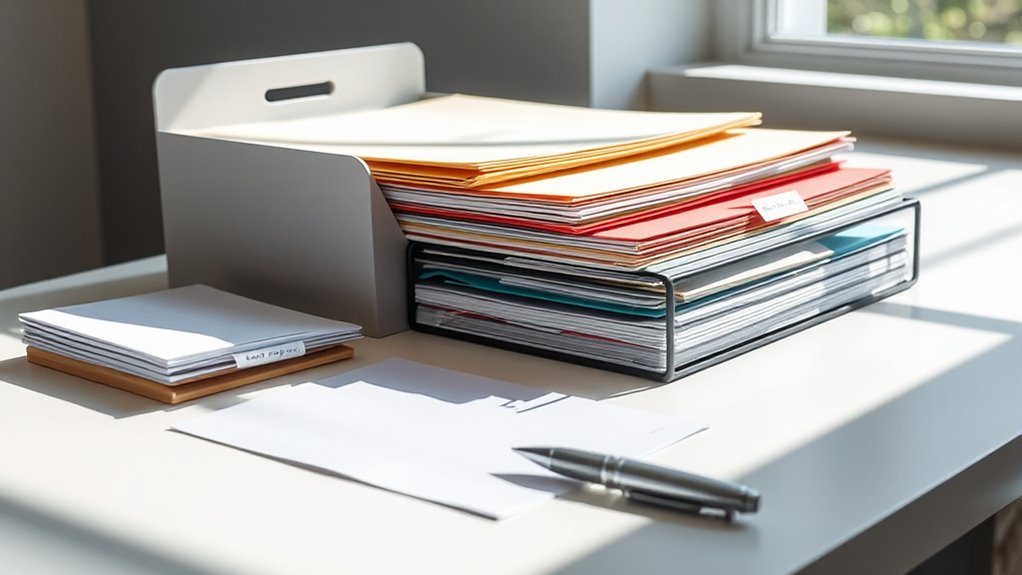

To organize your important documents and mail, start by categorizing everything into clear groups like bills, receipts, or personal papers. Switch to a digital system by scanning and saving files on secure cloud services or external drives, reducing physical clutter. Use consistent naming conventions and search features for quick access later. Regularly update and back up your files to prevent loss. Keep your space tidy and discover more tips that will simplify your organization process.
Key Takeaways
- Transition to digital filing systems for easy, quick access to important documents and mail.
- Develop a consistent folder structure and naming conventions for efficient organization.
- Use scanning tools to digitize physical mail and papers, reducing clutter.
- Implement secure storage solutions like cloud services or encrypted drives for sensitive files.
- Regularly review, update, and back up digital files to maintain organization and prevent loss.
Have you ever struggled to find a essential document when you needed it most? If so, you’re not alone. Cluttered desks and overflowing file drawers can make locating that one critical paper feel like searching for a needle in a haystack. To avoid the chaos, consider switching to digital filing systems. Digital filing allows you to organize your documents electronically, making them easy to access with just a few clicks. Instead of rummaging through stacks of paper, you can quickly search for files by name, date, or category. Plus, digital files don’t take up physical space, freeing up room for other important things. However, digital filing isn’t just about convenience; it’s also about security. When you opt for secure storage solutions, you protect sensitive information from theft or damage. Use reputable cloud services or external hard drives with encryption features to keep your digital documents safe. This way, even if your device is lost or compromised, your important files stay protected. Additionally, understanding file organization can help you develop an efficient system that keeps your digital documents well-structured and easily retrievable.
As an affiliate, we earn on qualifying purchases.
Frequently Asked Questions
How Often Should I Review My Organized Documents?
You should review your organized documents at least once every three to six months. Regular document review frequency helps you stay on top of digital organization and guarantees everything is current and relevant. During these reviews, discard outdated papers, update essential information, and reorganize if needed. This habit keeps your system efficient, minimizes clutter, and makes it easier to find important documents when you need them.
What Are the Best Storage Options for Sensitive Papers?
You should use secure storage options like a fireproof, waterproof safe or a lockable filing cabinet for sensitive papers. Make certain to label your storage containers clearly for easy organization and quick access. Keep these in a discreet, secure location, like a locked closet or a safe room, to prevent unauthorized access. Regularly check and update your secure storage to ensure your important documents stay protected.
How Can I Protect Documents From Fire or Water Damage?
Think of your important documents as treasures that need safeguarding. To protect them from fire or water damage, you should store them in fireproof safes and use waterproof envelopes for added security. These safes act like a fortress, resisting heat and flames, while waterproof envelopes shield papers from water leaks. By combining these options, you guarantee your essential papers stay safe, no matter what disaster strikes.
Should I Keep Digital Copies of All Important Documents?
Yes, you should keep digital copies of all important documents. Creating digital backups guarantees you have access even if physical copies are damaged or lost. Use cloud storage to securely save these copies, so they’re accessible from anywhere and protected from fire, water, or theft. Regularly update your digital backups and organize them systematically, making it easy to find what you need quickly in emergencies or for future reference.
How Do I Handle Outdated or Unnecessary Paperwork?
Think of your paperwork like a garden; outdated or unnecessary papers are weeds. You should shred sensitive documents following shredding procedures for security, and recycle the rest through paper recycling options. Regularly reviewing and removing these papers keeps your space tidy and protects your privacy. By staying proactive, you prevent chaos and guarantee your documents stay relevant, much like tending a healthy garden keeps it thriving.
fireproof waterproof safe for documents
As an affiliate, we earn on qualifying purchases.
As an affiliate, we earn on qualifying purchases.
Conclusion
Say goodbye to clutter and hello to peace of mind. With these simple steps, you’ll transform chaos into clarity, turning your paper piles into a thing of the past. Think of your organized documents as a well-tended garden—each one in its perfect place, ready to flourish when needed. Don’t let clutter steal your time or energy. Take control today, and watch how a little organization can make a world of difference in your everyday life.
cloud storage service subscription
As an affiliate, we earn on qualifying purchases.
As an affiliate, we earn on qualifying purchases.
As an affiliate, we earn on qualifying purchases.