
Before buying a WiFi 7 router, you should check if your devices support the new standards, as compatibility varies. Look for security features like WPA3 encryption and built-in firewalls to keep your network safe. Consider how many devices you plan to connect, since WiFi 7 handles multiple connections more efficiently. Also, evaluate hardware features like antennas and multi-band support for better performance. Stay informed about future updates to guarantee your network remains reliable and secure as technology evolves.
Key Takeaways
- Verify device compatibility, as not all gadgets support WiFi 7 yet.
- Ensure the router includes advanced security features like WPA3 and built-in firewalls.
- Consider hardware features such as multi-band support and high-capacity antennas for optimal performance.
- Assess your network’s device load to ensure the router can handle multiple connections efficiently.
- Stay updated on WiFi standards and trends to make a future-proof investment.
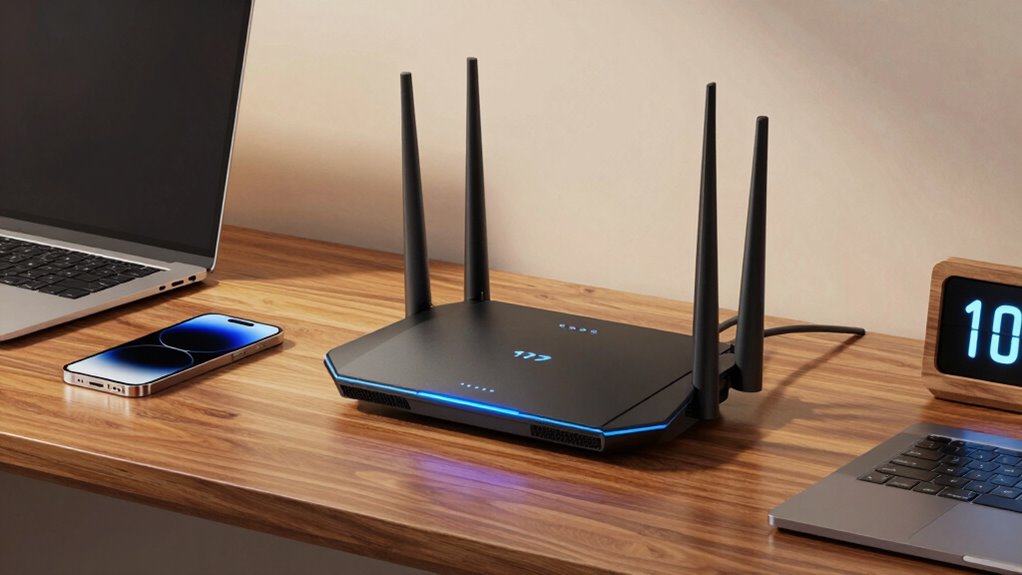
Are you ready for the next leap in wireless technology? If you’re considering a WiFi 7 router, it’s crucial to understand what this upgrade involves. WiFi 7 promises faster speeds, lower latency, and improved overall performance, but before you jump in, there are key factors to keep in mind. One of the most important aspects is network security. As your network becomes faster and more capable, it also becomes a more attractive target for cyber threats. Make sure the router you choose offers advanced security features such as WPA3 encryption, built-in firewalls, and automatic firmware updates. These features help protect your personal data and prevent unauthorized access. Also, check if the router supports secure guest networks, giving visitors access without compromising your main devices.
Prioritize routers with WPA3, firewalls, and automatic updates for enhanced security with WiFi 7.
Device compatibility is another critical point. Not all devices are immediately compatible with WiFi 7, so it’s wise to verify whether your existing gadgets will benefit from the new technology. While newer smartphones, laptops, and gaming consoles are likely to support WiFi 7, older devices might still rely on previous standards like WiFi 5 or WiFi 6. This means you might need to upgrade some hardware to fully utilize the benefits of WiFi 7. Additionally, consider the number of devices you typically connect. WiFi 7 is designed to handle more simultaneous connections efficiently, so if you have a smart home with multiple gadgets, this feature can markedly improve your network’s reliability. Understanding network security and device compatibility concerns ensures you are protected and ready for the transition to faster, more reliable wireless connections. Incorporating advanced hardware features can further optimize your setup, especially when dealing with complex networks or high-demand applications.
Furthermore, staying informed about emerging trends in digital publishing can help you make smarter decisions regarding your tech investments, including choosing the right router that aligns with future developments. A comprehensive understanding of wireless standards evolution can also guide your upgrade choices to stay ahead in technology.

TP-Link BE6500 Dual-Band WiFi 7 Router (BE400) – Dual 2.5Gbps Ports, USB 3.0, Covers up to 2,400 sq. ft., 90 Devices, Quad-Core CPU, HomeShield, Private IoT, Free Expert Support
𝐅𝐮𝐭𝐮𝐫𝐞-𝐑𝐞𝐚𝐝𝐲 𝐖𝐢-𝐅𝐢 𝟕 – Designed with the latest Wi-Fi 7 technology, featuring Multi-Link Operation (MLO), Multi-RUs, and 4K-QAM….
As an affiliate, we earn on qualifying purchases.
As an affiliate, we earn on qualifying purchases.
Frequently Asked Questions
Will Wifi 7 Improve My Gaming Experience Significantly?
WiFi 7 can considerably improve your gaming experience by offering faster speeds, lower latency, and better network stability. You’ll notice smoother gameplay and quicker downloads. However, to maximize these benefits, guarantee your network security is strong to prevent disruptions and that your router’s signal range covers your gaming area effectively. Upgrading to WiFi 7 is worth it if you want a more reliable, high-performance connection for gaming.
Is My Current Device Compatible With Wifi 7 Routers?
Your current device isn’t automatically compatible with WiFi 7 routers, like a key needing the right lock. To open the full potential, check device compatibility and make sure your device has the latest firmware updates. Sometimes, firmware updates act like a bridge, enabling compatibility, but often new hardware is needed. Keep an eye on manufacturer announcements to stay ahead of the curve and avoid feeling left behind in this fast-evolving digital landscape.
How Does Wifi 7 Compare to Wifi 6E?
WiFi 7 outperforms WiFi 6E by offering higher frequency bands, like the 6 GHz range, which means faster speeds and lower latency for you. It also extends signal range and improves stability, especially in crowded environments. While WiFi 6E is great for current devices, WiFi 7 takes it further with more bandwidth and better interference management, making your streaming, gaming, and browsing experience smoother and more reliable.
Are There Any Health Concerns With Wifi 7?
Think of wireless safety like a campfire: used correctly, it’s safe and warm, but mishandled, it can be dangerous. Currently, research shows WiFi 7’s electromagnetic exposure remains within safety limits set by health agencies, so there’s no evidence it poses health concerns. As with other wireless technologies, it’s wise to stay informed about electromagnetic exposure and follow guidelines, ensuring your use of WiFi 7 stays safe and healthy.
What Is the Typical Lifespan of a Wifi 7 Router?
A WiFi 7 router typically lasts around 5 to 7 years, depending on router durability and how well you maintain it. Regular firmware updates help extend its lifespan by improving performance and security. You should keep an eye on updates and replace your router when it no longer supports the latest standards or shows signs of hardware failure. Proper care guarantees you get the most out of your investment.

TP-Link Tri-Band BE9700 WiFi 7 Router (Archer BE600) – 10G Port, 2.5G Port, 3× 2.5G LAN, 320MHz Channel, Covers up to 2,600 sq. ft., 120 Devices, VPN, HomeShield Security
𝐍𝐞𝐱𝐭-𝐆𝐞𝐧 𝐖𝐢-𝐅𝐢 𝟕 – Optimize performance on latest WiFi 7 laptops and devices, like the iPhone 16 Pro,…
As an affiliate, we earn on qualifying purchases.
As an affiliate, we earn on qualifying purchases.
Conclusion
Before you buy a WiFi 7 router, remember that technology keeps evolving fast. While WiFi 7 promises faster speeds and better connections, it’s wise to wait until it’s widely adopted and proven reliable. Don’t fall for the hype—history shows new standards often face initial teething problems. Trust me, investing in a slightly older but proven router might save you headaches and money. Sometimes, patience truly pays off in tech upgrades.

NETGEAR Nighthawk WiFi 7 Router (BE9300) – Router Only, 9.3Gbps Wireless Speed, 2.5 Gigabit Internet Port, Tri-Band for Gaming, Covers 2,500 sq. ft., 100 Devices, VPN – Free Expert Help
Blazing-fast WiFi 7 speeds up to 9.3Gbps for gaming, smooth streaming, video conferencing and entertainment
As an affiliate, we earn on qualifying purchases.
As an affiliate, we earn on qualifying purchases.

Amazon eero 7 dual-band mesh Wi-Fi 7 router (newest model) – Supports internet plans up to 2.5 Gbps, Coverage up to 2,000 sq. ft., 1-pack
OUR MOST AFFORDABLE WI-FI 7 ROUTER – eero 7 helps you future-proof your network and make the most…
As an affiliate, we earn on qualifying purchases.
As an affiliate, we earn on qualifying purchases.