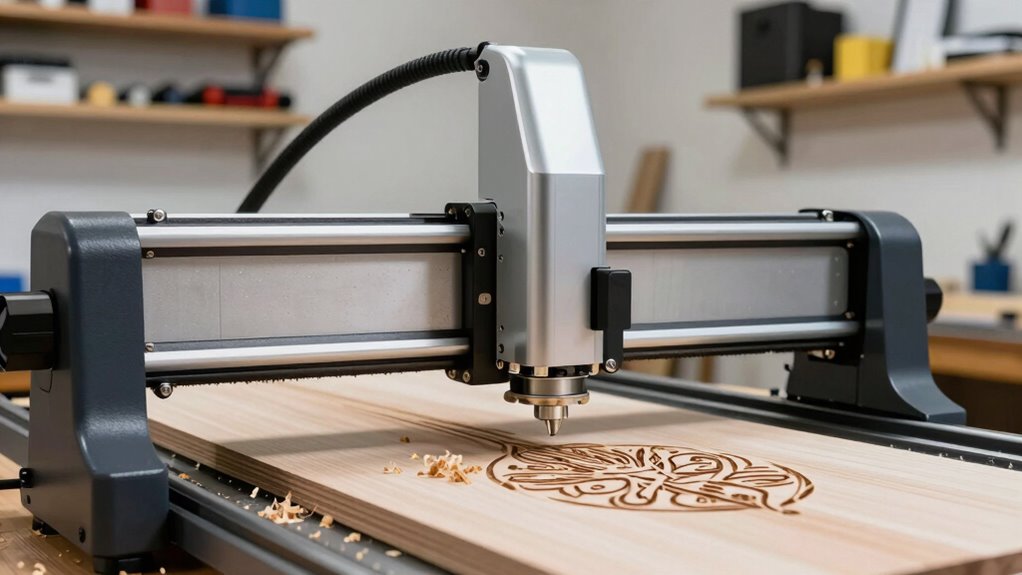
If you’re exploring laser engravers for your side projects or small shop, you’ll find they’re versatile tools that can mark materials like metal, wood, and acrylic with precision and durability. Fiber lasers are great for metal, while CO2 lasers handle organic materials well. By adjusting settings like power and speed, you can create detailed or deep engravings. Keep exploring how different laser types and techniques can help you produce professional results more efficiently.

Get everyday essentials delivered free — and shop member deals
- Fast, free delivery on millions of items
- Access to Prime Big Deal Days deals on October 6–7
- Prime Video, Amazon Music and more included
Key Takeaways
- Choosing the right laser type (fiber or CO2) depends on materials and project needs, such as metal or organic surfaces.
- Adjusting laser parameters like power, speed, and focal length improves engraving quality and detail.
- Fiber lasers offer durable, high-contrast marks ideal for jewelry, tools, and metal items in small-scale shops.
- Surface, deep, and etching techniques provide versatile options for customizing designs on various materials.
- Proper calibration and experimentation maximize efficiency and professional results for side projects and small business use.
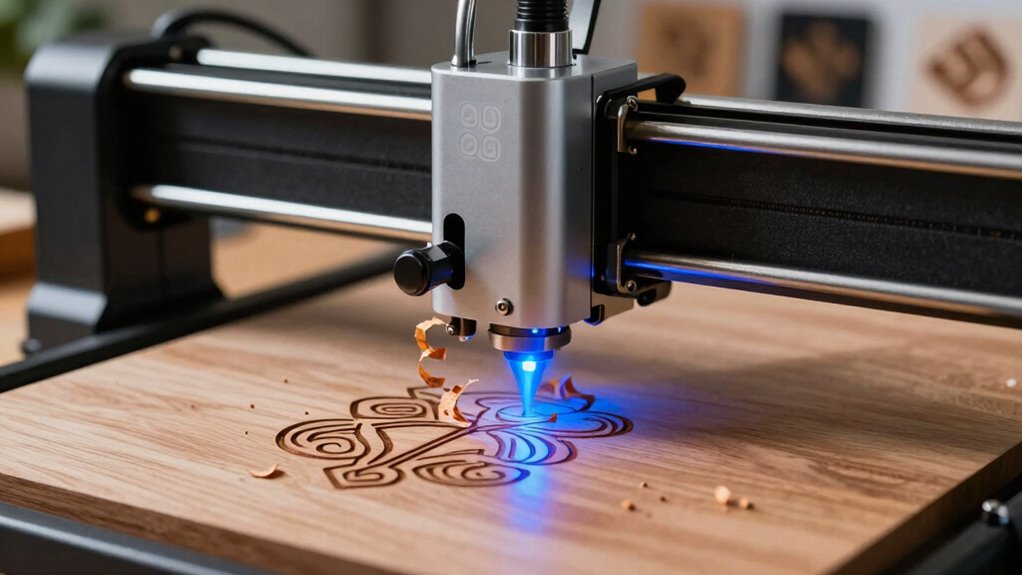
Laser engravers are powerful tools that use focused laser beams to carve, etch, or mark materials with precision. When you’re exploring options for small projects or running a side hustle, understanding the different types of laser systems becomes essential. One popular choice is the fiber laser engraver, renowned for its speed, efficiency, and ability to work with a variety of metals. Unlike CO2 lasers that excel at organic materials like wood and acrylic, fiber lasers are optimized for metal marking and engraving, making them an excellent tool if your projects involve jewelry, tool marks, or customized metal parts.
The core of laser engraving involves various techniques designed to achieve specific effects. For example, surface engraving uses a focused laser beam to remove a thin layer of material, creating a visible design or text. This method offers crisp, detailed results perfect for personalization. Deep engraving, on the other hand, involves removing more material to create a pronounced, three-dimensional effect. You can also use laser etching techniques, which are ideal for adding subtle marks or textures without removing significant material. Each technique depends on factors like laser power, speed, and focal length, which you’ll need to adjust based on the material you’re working with. Understanding the different types of laser engravers can help you select the best machine for your specific needs.
When working with a fiber laser, you’ll find that its engraving techniques are especially suited for metals, offering high contrast and durability. These lasers can produce permanent marks, which are resistant to wear and corrosion — a key advantage if you’re creating items meant to last. To maximize the quality of your engravings, you’ll want to experiment with different settings, adjusting parameters such as pulse duration and frequency. For detailed designs, tight focus and proper calibration are essential, ensuring the laser beam hits the material with pinpoint accuracy. Additionally, understanding the specific capabilities of fiber laser systems can help you choose the right machine for your projects. Fiber lasers also leverage analytical and precise technology to achieve these results efficiently.
Furthermore, understanding the material compatibility of different laser systems ensures that you select the appropriate technology for your projects, saving time and resources. In addition to metals, fiber laser systems can sometimes be used on certain plastics or coated surfaces, but their primary strength remains in metal engraving. Learning the nuances of engraving techniques with fiber lasers helps you achieve professional results, whether you’re personalizing jewelry, marking tools, or creating custom signage. As you gain experience, you’ll discover how to optimize your settings for different materials and effects, expanding your capabilities and enhancing the quality of your projects. Overall, mastering these techniques and understanding the strengths of fiber laser technology can elevate your small shop or side project work, allowing you to produce high-quality, durable engraved items efficiently.
laser engraver for metal and wood
As an affiliate, we earn on qualifying purchases.
As an affiliate, we earn on qualifying purchases.
Frequently Asked Questions
How Much Space Do Laser Engravers Typically Require?
Laser engravers typically need a workspace of about 2 to 3 feet in width and depth, depending on your projects. The laser bed size is vital—it determines the maximum material dimensions you can work with. Smaller models may have beds around 12×20 inches, while larger ones can handle 24×36 inches or more. Make sure your workspace dimensions accommodate the laser bed comfortably, leaving room for operation and safety.
Are There Safety Precautions Specific to Home Use?
Think of your workspace as a fortress—protecting you from unseen dangers. Home use safety precautions matter, especially with home ventilation and safety gear. Always guarantee proper ventilation to clear fumes, like a shield guarding your air. Wear safety goggles and masks to defend your eyes and lungs. Keep a fire extinguisher nearby, because sparks can ignite surprises. These steps turn your creative haven into a safe sanctuary for your laser engraving adventures.
Can Laser Engravers Engrave on Curved Surfaces?
Yes, laser engravers can engrave on curved surfaces, but you need to take into account curved surface compatibility and engraving material limitations. You might need to adjust the focus or use specialized jigs to keep the surface steady. Not all materials work well on curved surfaces, especially reflective or uneven ones. Be prepared to experiment with settings and techniques to guarantee clean, precise engravings on your chosen curved object.
What Is the Typical Maintenance Schedule?
You should follow a regular maintenance routine to guarantee your laser engraver runs smoothly and lasts longer. Typically, clean the lens and mirrors weekly, check for dust buildup, and inspect the belts and cables monthly. Regularly lubricate moving parts and replace filters as needed. Adopting these routines helps maintain equipment longevity, prevents costly repairs, and keeps your engraver performing at its best, especially for side projects and small shop operations.
How Do I Choose the Right Laser Power for My Project?
Don’t worry if choosing the right laser power feels overwhelming; it’s simpler than you think. Start by considering your material compatibility—thinner materials need less power, thicker ones need more. Make certain proper laser power calibration to get even results. For delicate projects, opt for lower power; for deeper engravings, go higher. Testing on scrap pieces helps you dial in the perfect power level, making your projects look professional every time.
CO2 laser engraver for organic materials
As an affiliate, we earn on qualifying purchases.
As an affiliate, we earn on qualifying purchases.
Conclusion
Laser engravers are versatile tools that can elevate your side projects or small shop. With their precision and speed, you can create intricate designs on a variety of materials, expanding your creative possibilities. Did you know that the laser engraving market is projected to grow at a compound annual rate of 9.7% through 2028? This growth reflects the increasing accessibility and demand for personalized, handcrafted items. Embrace laser engraving and open new opportunities for your crafts and business!
fiber laser engraver for jewelry
As an affiliate, we earn on qualifying purchases.
As an affiliate, we earn on qualifying purchases.
small business laser engraving machine
As an affiliate, we earn on qualifying purchases.
As an affiliate, we earn on qualifying purchases.
Fall Picks
fall essentials
As an affiliate, we earn on qualifying purchases.