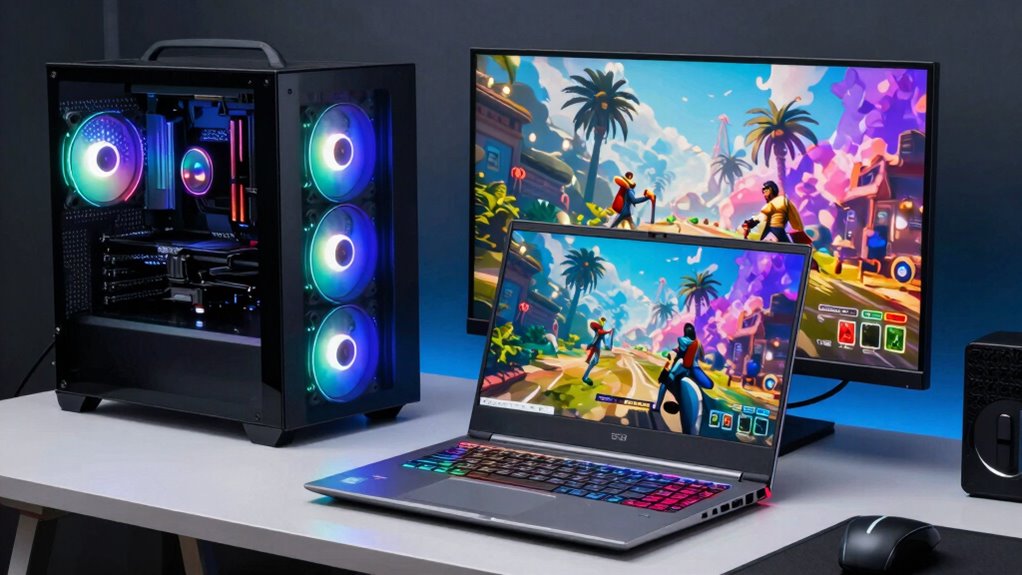

If you’re a casual or on-the-go gamer, a gaming laptop offers portability and quick setup, perfect for gaming anywhere and supporting VR. But if you want top performance, better upgradability, and longer-term durability, a desktop PC is the way to go, especially for dedicated players or streamers. Your choice depends on whether mobility or power is more important for your gaming needs—explore more to find the best fit for you.

Get everyday essentials delivered free with Prime
- Fast, free delivery on millions of items
- Prime Video, Amazon Music and more included
- Member-only deals all year
Key Takeaways
- Casual or mobile gamers benefit from gaming laptops’ portability and ready-to-play convenience.
- Enthusiasts seeking high performance and upgradeability prefer desktop PCs for customization and longevity.
- Users with limited space or frequent travelers favor laptops for ease of transport and versatile gaming setup.
- Dedicated gamers and streamers require desktops for better power, stability, and future-proofing capabilities.
- VR enthusiasts should consider desktops with superior hardware and upgrade options for immersive experiences.
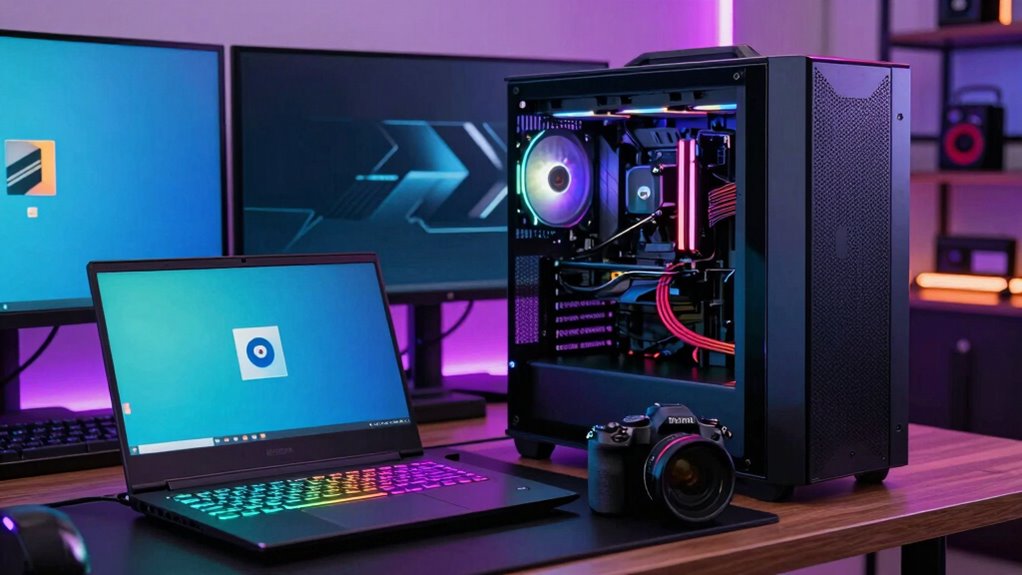
When choosing between a gaming laptop and a desktop PC, your decision largely depends on your specific needs and lifestyle. If you prioritize mobility and the ability to game anywhere, a gaming laptop might be your best option. Modern gaming laptops come with impressive hardware that supports VR compatibility, allowing you to enjoy immersive virtual reality experiences without the need for a bulky setup. Their portable design means you can easily carry your gaming rig to a friend’s house, a LAN party, or even on a trip, without sacrificing much in terms of performance. This flexibility is a significant advantage if you’re constantly on the move or have limited space at home.
Choosing between a gaming laptop and desktop depends on your need for portability or maximum performance.
However, if you’re someone who values raw power and upgradeability, a desktop PC could serve you better. Desktops typically offer higher performance levels for the same price, with more robust cooling systems that allow for overclocking and sustained gaming sessions. They also provide more options for customization and upgrades, so you can swap out components like graphics cards, RAM, or storage to stay current with new games and tech. While a desktop isn’t as portable, it often delivers better VR compatibility, especially when paired with high-end peripherals, ensuring smooth, immersive virtual reality experiences. Additionally, investing in a high-quality monitor or display can greatly enhance your gaming experience, especially in competitive or visually demanding titles.
For casual gamers or those new to gaming, a gaming laptop provides an easy entry point. You don’t need to worry about building a system or managing multiple components—you get a ready-to-go device that handles most modern titles comfortably. Plus, its portable design allows you to game in different settings, whether that’s a cozy living room or a friend’s house. If VR gaming is on your radar, check the specifications carefully; many gaming laptops now support VR compatibility, making them versatile options for immersive experiences.
On the other hand, if you’re a dedicated gamer, streamer, or someone who wants the best possible performance for demanding titles, investing in a desktop PC makes sense. It’s easier to upgrade and maintain over time, and with the right setup, you’ll likely enjoy better VR compatibility. Despite the lack of portability, a desktop setup offers stability, power, and longevity that gaming enthusiasts often prefer. Additionally, the contrast ratio of a monitor or display can significantly impact your gaming experience, especially in dark scenes or competitive environments. Understanding the importance of hardware compatibility can help you make smarter upgrade choices and ensure your system remains future-proof, especially as technological standards continue to evolve.
As an affiliate, we earn on qualifying purchases.
Frequently Asked Questions
How Does Cooling Performance Differ Between Gaming Laptops and Desktops?
Cooling performance in desktops generally surpasses gaming laptops due to larger size and advanced thermal management. Desktops use better cooling technology, like multiple fans and liquid cooling options, which help dissipate heat more effectively. Gaming laptops, with compact designs, rely on smaller fans and limited airflow, making thermal management more challenging. If you prioritize sustained performance, desktops offer superior cooling, whereas laptops might struggle during intensive gaming sessions.
Can Gaming Laptops Be Upgraded Like Desktops?
Gaming laptops are generally less upgradeable than desktops due to their compact design. You can often upgrade components like RAM and storage, but upgrading the GPU or CPU is limited or impossible. However, their portability offers significant advantages, letting you game or work from anywhere. If you prioritize flexibility and easy upgrades, a desktop PC is better. But if mobility matters most, a gaming laptop still offers decent upgrade options within its constraints.
What Are the Best Budget Options for Gaming Laptops?
If you’re seeking the best budget options for gaming laptops, look for models like the Acer Nitro 5, ASUS TUF Gaming, or Lenovo IdeaPad Gaming. These offer solid gaming performance without breaking the bank, making gaming affordability accessible. Prioritize models with decent GPU and CPU specs, and keep an eye out for discounts or refurbished deals to maximize your budget. These choices give you good performance at a reasonable price.
How Do Gaming Laptops Handle High-End VR Gaming?
You’re diving into high-end VR gaming with a gaming laptop, and it’s a mixed bag. While some models can handle demanding VR titles, VR comfort may suffer due to limited cooling and battery life, making extended sessions uncomfortable. Still, the portability benefits mean you can take your VR setup on the go. Just keep in mind that high-end VR gaming on laptops often requires compromises in performance and long-term comfort.
What Is the Average Lifespan of a Gaming Laptop Versus a Desktop?
You can expect a gaming laptop to last around 3 to 5 years, but battery life and portability concerns mean you’ll likely need to upgrade sooner. Desktop PCs often last 5 to 8 years because they’re easier to upgrade and replace parts. If portability isn’t a concern, a desktop’s longer lifespan and upgradeability make it a more durable choice for gaming, while laptops prioritize convenience over longevity.
high performance gaming desktop PC
As an affiliate, we earn on qualifying purchases.
As an affiliate, we earn on qualifying purchases.
Conclusion
So, whether you’re racing through virtual worlds on a sleek laptop during your commutes or building a fortress of desktop parts in your basement, remember—your choice says a lot about your lifestyle. If portability and style matter more than raw power, go laptop. But if you’re not afraid of tangled wires and giant screens, a desktop might just be your gaming soulmate. Either way, just don’t blame us when your gaming setup becomes your new life obsession!
As an affiliate, we earn on qualifying purchases.
upgradable gaming desktop components
As an affiliate, we earn on qualifying purchases.
As an affiliate, we earn on qualifying purchases.
Halloween Picks
halloween
As an affiliate, we earn on qualifying purchases.