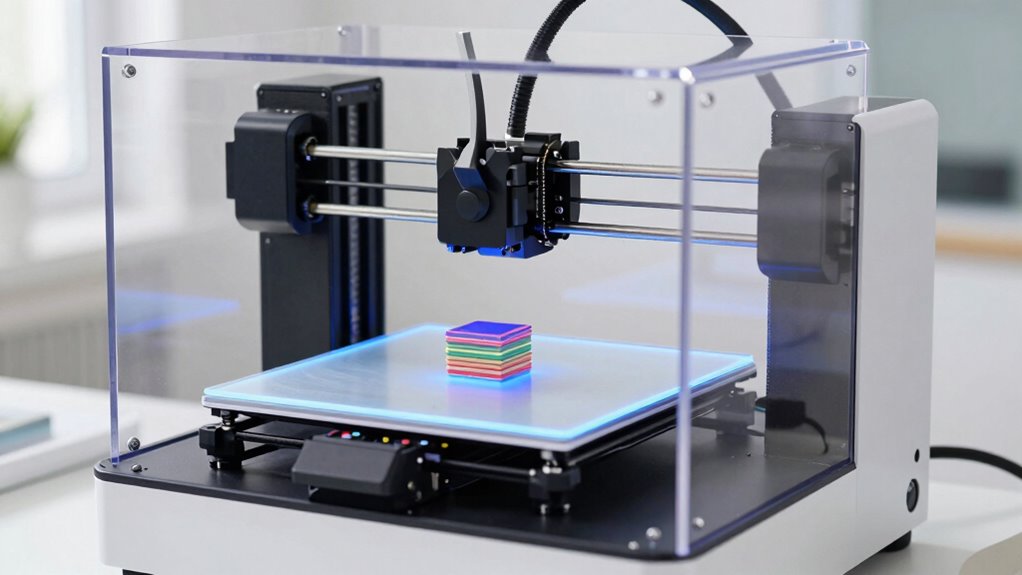

3D printers are accessible tools that let you turn digital designs into physical objects with ease. They work by depositing material layer by layer, often starting with good bed adhesion to prevent issues like warping. Proper bed surface prep, temperature control, and regular maintenance are key to successful prints. As you learn more about each step, you’ll improve your skills and create more complex projects—if you want to see how everything fits together, keep going.

Get everyday essentials delivered free with Prime
- Fast, free delivery on millions of items
- Prime Video, Amazon Music and more included
- Member-only deals all year
Key Takeaways
- 3D printers create objects by layering material based on digital design files.
- They use different filament types like PLA, ABS, and resin, each requiring specific settings.
- Proper bed adhesion and surface preparation are essential for successful printing.
- Temperature control and material handling significantly impact print quality.
- Regular maintenance and troubleshooting improve printer performance and print outcomes.
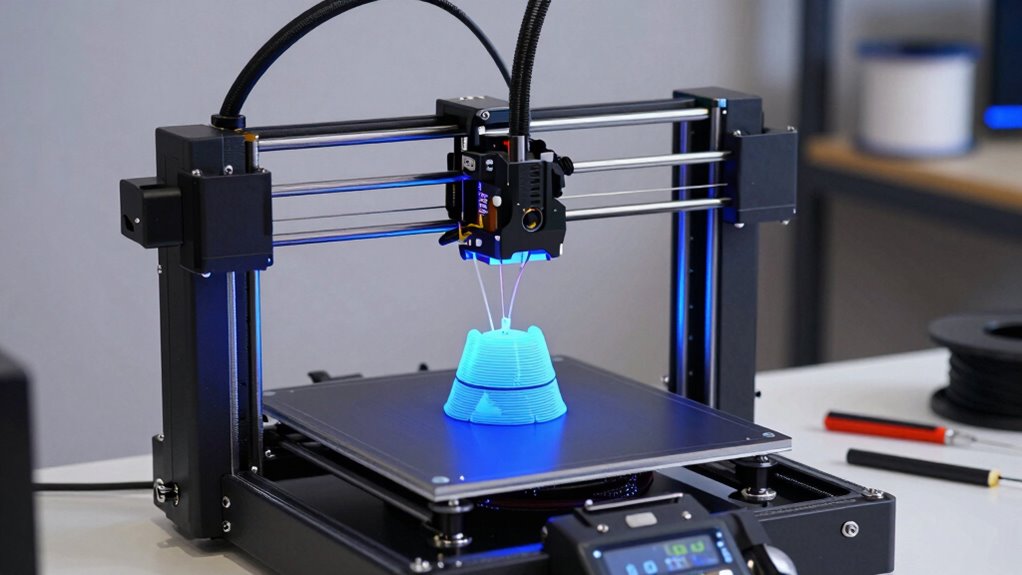
Another critical element in successful 3D printing is print bed adhesion. This ensures your first layer sticks properly, which is crucial for the overall quality of your print. If your print doesn’t adhere well to the bed, it can lead to warping, curling, or even failed prints. To improve print bed adhesion, you might start with a clean, level bed surface. Using adhesion aids like a glue stick, painter’s tape, or a specialized bed adhesive can also help your filament stick better during printing. Many printers come with a heated bed, which can considerably enhance adhesion, especially when working with filaments prone to warping. Setting the right bed temperature, typically around 60°C for PLA, helps the filament stick and remain stable as it cools. Proper print bed preparation can significantly reduce the risk of print failures caused by poor adhesion.
Getting your print bed properly prepared is an ongoing process, especially as you experiment with different filaments. Some materials require specific bed surfaces or temperature settings to stick well. For instance, ABS often needs a heated bed set to 100°C and an enclosed environment to prevent warping. Regularly checking the bed level and cleaning it before each print can prevent adhesion issues and improve your print quality. Additionally, understanding how temperature control affects filament flow and adhesion can help you troubleshoot common print problems. Proper filament storage is also essential to prevent moisture absorption, which can negatively impact print quality. Mastering these factors and print settings will help you achieve more consistent and successful prints over time. Developing a good print environment can further enhance your results, especially when working with temperature-sensitive materials.
Understanding filament selection and print bed adhesion is essential when you’re starting out. These factors directly influence your print’s success and quality, and mastering them saves you time and frustration. As you gain confidence, you’ll learn to tweak these settings for different projects, leading to better results and more creative freedom. Remember, the key is patience—practice and experimentation will turn you into a skilled 3D printer user, ready to tackle more complex designs and materials down the line.
Products Worth Considering

Shark AI Ultra Robot Vacuum, Black/Silver, AV2511AE

Levoit Vital 100S-P Air Purifier for Home and Pets

Dyson W1 PencilWash Wet and Dry Cleaner with Dok Cordless Wet Floor Cleaner
As an affiliate, we earn on qualifying purchases.
Frequently Asked Questions
What Is the Lifespan of a Typical 3D Printer?
A typical 3D printer lasts around 5-10 years with proper maintenance. The lifespan depends on how often you print and how well you care for it. You should regularly check the print bed for wear and clean the nozzle to prevent clogs. Avoiding frequent nozzle clogs and ensuring the print bed remains level helps extend your printer’s life, allowing you to enjoy quality prints for years to come.
How Much Does It Cost to Maintain a 3D Printer?
Maintaining a 3D printer typically costs around $100 to $300 annually, depending on usage. You’ll spend on filament storage, which keeps your materials dry and ready, and regular print bed calibration to guarantee quality. Expect to replace parts like nozzles or belts over time. Keeping your printer well-maintained can extend its lifespan and save you money, making it a smart investment for hobbyists and professionals alike.
Are 3D Printers Safe to Use at Home?
Yes, 3D printers can be safe to use at home if you follow safety precautions like proper ventilation, avoiding contact with heated parts, and using the right materials. Keep the workspace well-ventilated to reduce the environmental impact of fumes and emissions. Always supervise printing sessions, especially with children or pets around, and regularly maintain your printer to prevent accidents and guarantee safe, eco-friendly operation.
Can 3D Printers Work With Multiple Filament Types?
Yes, your 3D printer can often work with multiple filament types, thanks to its filament compatibility and material versatility. You might find it adapts smoothly to various filaments like PLA, ABS, or PETG, allowing you to explore different textures and finishes. Just make certain your printer’s specifications support these materials, and you’ll enjoy a versatile and creative printing experience. Compatibility settings help your printer handle diverse filament types with ease.
What Are the Common Troubleshooting Steps for Print Failures?
When troubleshooting print failures, start by checking filament compatibility to guarantee you’re using the right type for your printer. Next, verify that your print calibration is accurate; improper bed leveling or incorrect nozzle height can cause issues. Also, inspect for clogs or jams, and clean the extruder if needed. Adjust temperature settings and ensure your filament feeds smoothly. These steps typically resolve most common printing problems.
Conclusion
Now that you’ve uncovered the basics of 3D printing, you’re just scratching the surface of what’s possible. Imagine the projects you could bring to life, the innovations waiting to be discovered. But as you step into this world, remember—there’s more to learn, more to explore. The journey has just begun, and the next breakthrough could be closer than you think. Are you ready to see where your creativity takes you?