
To install your video doorbell, start by turning off the power if it’s wired, then remove your old doorbell. Mount the bracket using screws, guaranteeing it’s level and about four feet high. Connect the wires to a wired model or attach the battery for wireless ones. Secure the device, connect it to Wi-Fi, and customize your settings. For detailed steps and tips, keep exploring this guide to make certain a smooth installation process.

Get everyday essentials delivered free — and shop member deals
- Fast, free delivery on millions of items
- Access to Prime Big Deal Days deals on October 6–7
- Prime Video, Amazon Music and more included
Key Takeaways
- Turn off power at the breaker if installing a wired model, then remove the existing doorbell.
- Mount the video doorbell using the included hardware, ensuring proper positioning at eye level.
- Connect wires securely for wired models or attach the battery for wireless, rechargeable models.
- Restore power and connect the doorbell to Wi-Fi following manufacturer instructions.
- Adjust the viewing angle with built-in mounts or wedges for optimal coverage and security.
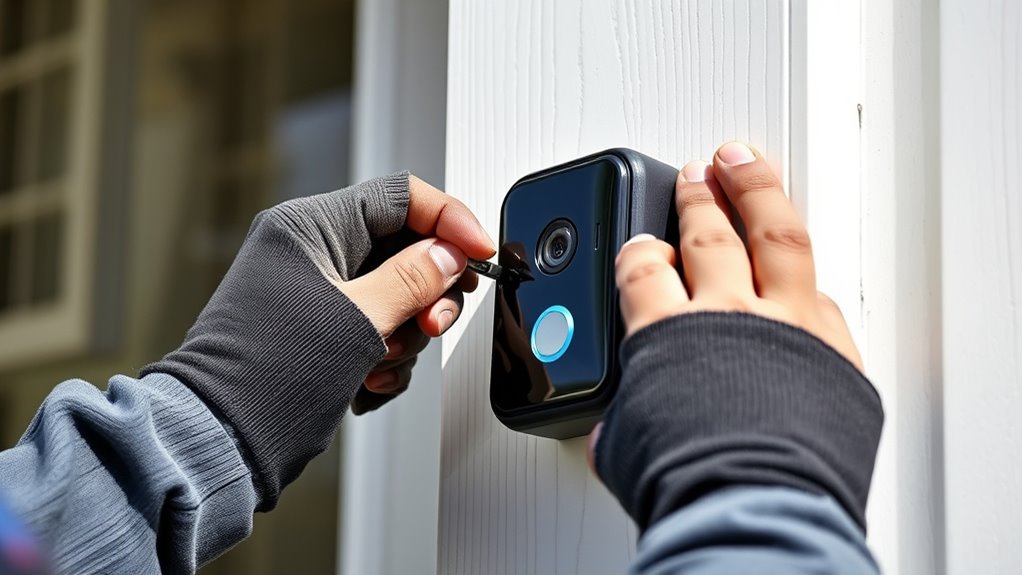
Installing a video doorbell can enhance your home security and give you peace of mind. It’s a simple upgrade that lets you see and communicate with visitors from anywhere. Before you start, you’ll want to consider your power supply options and the best mounting options for your doorframe. Your power supply is vital because some video doorbells require constant power, while others can run on a rechargeable battery. If your chosen model needs to be wired, check if your existing doorbell wiring is compatible or if you’ll need an adapter or a new transformer. Battery-powered models are easier to install and don’t require wiring, but they do need regular recharging or battery replacement. Keep in mind that wired models tend to offer more reliable, continuous power, which means fewer interruptions and the ability to use more advanced features like continuous video recording. Modern tech can significantly improve the overall reliability and functionality of your smart doorbell system.
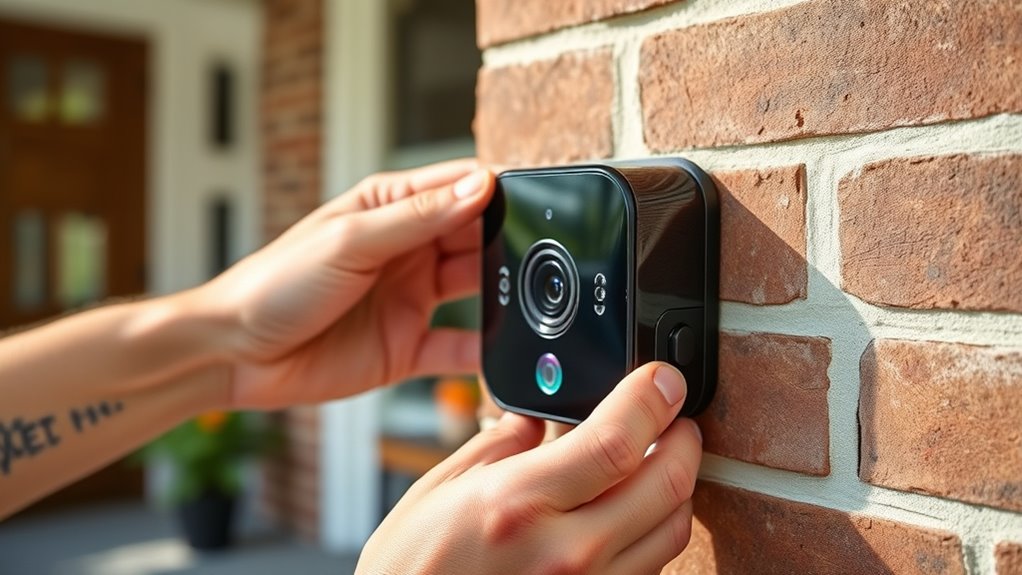
When it comes to mounting options, your door’s material and location will influence your decision. Most video doorbells come with a mounting bracket or plate, and you’ll need to select the right screws and anchors based on whether your door is wood, brick, or siding. The height at which you install the doorbell is also important: a common recommendation is to mount it at about eye level, roughly 4 feet from the ground, so you get a clear view of visitors’ faces. If you’re installing on brick or stucco, you’ll need a drill with masonry bits and appropriate anchors. For wooden doors, simple screws often suffice. Some models come with adjustable mounting brackets, making it easier to get a perfect angle and view of your porch. Be sure to check if your doorbell has a built-in wedge or angle mount, which can help optimize the viewing angle if your doorframe is uneven or if you want a wider field of view.
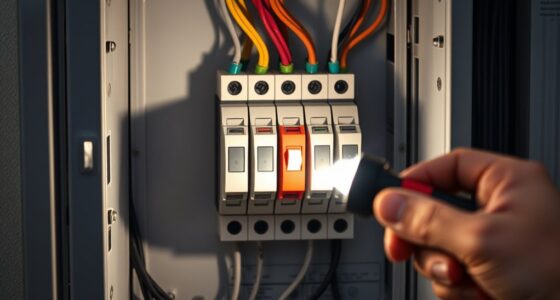
Once you’ve chosen your power source and mounting position, the installation process becomes straightforward. If wired, turn off the power at the breaker, remove your existing doorbell, and connect the wires to the new device following the manufacturer’s instructions. For battery-powered models, you’ll simply attach the device to your chosen mounting spot and secure it with screws. After mounting, turn the power back on (if wired), connect your Wi-Fi network, and set up the app. Proper positioning and secure mounting ensure your video doorbell functions effectively and provides clear footage. With the right preparations, installing your new smart doorbell is quick and rewarding, giving you an extra layer of security and peace of mind.
wireless video doorbell with rechargeable battery
As an affiliate, we earn on qualifying purchases.
As an affiliate, we earn on qualifying purchases.
Frequently Asked Questions
How Do I Choose the Best Video Doorbell for My Home?
To choose the best video doorbell, consider its features like HD video quality, motion detection, and two-way audio. Make sure it offers smart home integration with your existing system for seamless control. Think about the power source—battery or wired—and check if it fits your home’s Wi-Fi capabilities. Select a model that matches your security needs and budget, ensuring easy installation and reliable performance.
What’s the Average Cost of Installing a Smart Doorbell?
The installation cost of a smart doorbell typically ranges from $100 to $250, depending on the model and complexity. You should also consider maintenance expenses like replacing batteries or updating software, which can add up over time. If you hire a professional, expect to pay extra for labor. Doing it yourself can save money, but make certain you follow all safety and wiring instructions for a smooth setup.
Can I Install a Video Doorbell Without Professional Help?
Sure, you can try DIY installation, but beware—you might end up with a doorbell that’s more “door-bleep” than “doorbell.” While it’s possible to install a video doorbell yourself, professional installation guarantees everything’s wired correctly, especially if you’re not handy. If you prefer a hassle-free setup and a warranty, go with professional installation. Otherwise, grab a screwdriver and hope for the best—just don’t blame the doorbell if it doesn’t ring!
How Do I Troubleshoot Wi-Fi Connectivity Issues?
If you’re experiencing Wi-Fi connectivity issues, start by checking your Wi-Fi signal strength near your doorbell. Make certain your router is placed in a central, elevated spot away from obstructions and interference. You might need to move your router closer or upgrade your network if the signal is weak. Restart your router and doorbell device, and verify your Wi-Fi password. These steps often resolve most connectivity problems.
What Are the Privacy Concerns With Video Doorbells?
Imagine a neighbor’s doorbell camera accidentally records a private backyard gathering, raising privacy risks. You should be aware that video doorbells can collect sensitive data, which might be vulnerable to hacking or misuse. These privacy concerns stem from potential data security issues, like unauthorized access or sharing footage without consent. To protect yourself, secure your device with strong passwords and review privacy settings regularly.
wired video doorbell with night vision
As an affiliate, we earn on qualifying purchases.
As an affiliate, we earn on qualifying purchases.
Conclusion
You’ve just transformed your front door into the smartest, most secure entrance on the block. With your new video doorbell installed, you’ll never miss a visitor, package, or suspicious activity again—it’s like having a security guard on duty 24/7. Remember, taking this step makes your home safer than Fort Knox. So go ahead, enjoy the peace of mind that comes with your tech-savvy upgrade, and watch your home become the envy of the neighborhood!
masonry drill bits for brick wall mounting
As an affiliate, we earn on qualifying purchases.
As an affiliate, we earn on qualifying purchases.
adjustable mounting bracket for doorbell
As an affiliate, we earn on qualifying purchases.
As an affiliate, we earn on qualifying purchases.
Fall Picks
fall essentials
As an affiliate, we earn on qualifying purchases.