
To add a motion sensor to your light, start by choosing a suitable spot near entrances or hallways at a height of 6-8 feet, ensuring it covers your desired area without obstructions. Turn off the power and carefully wire the sensor to your existing circuit, following the manufacturer’s instructions. Test and adjust the sensor for ideal detection while preventing false triggers. If you want more detailed tips, keep exploring how to make your upgrade simple and effective.

Get everyday essentials delivered free with Prime
- Fast, free delivery on millions of items
- Prime Video, Amazon Music and more included
- Member-only deals all year
Key Takeaways
- Choose an appropriate location near entrances, avoiding windows, vents, and drafts for optimal detection.
- Turn off power and follow wiring diagrams to connect the sensor’s hot, neutral, and ground wires safely.
- Mount the sensor at 6-8 feet height, ensuring it covers the desired area without blind spots.
- Adjust sensitivity and angle settings to reduce false triggers and improve detection accuracy.
- Test the sensor by walking into the area, then make necessary position or setting adjustments for reliable operation.
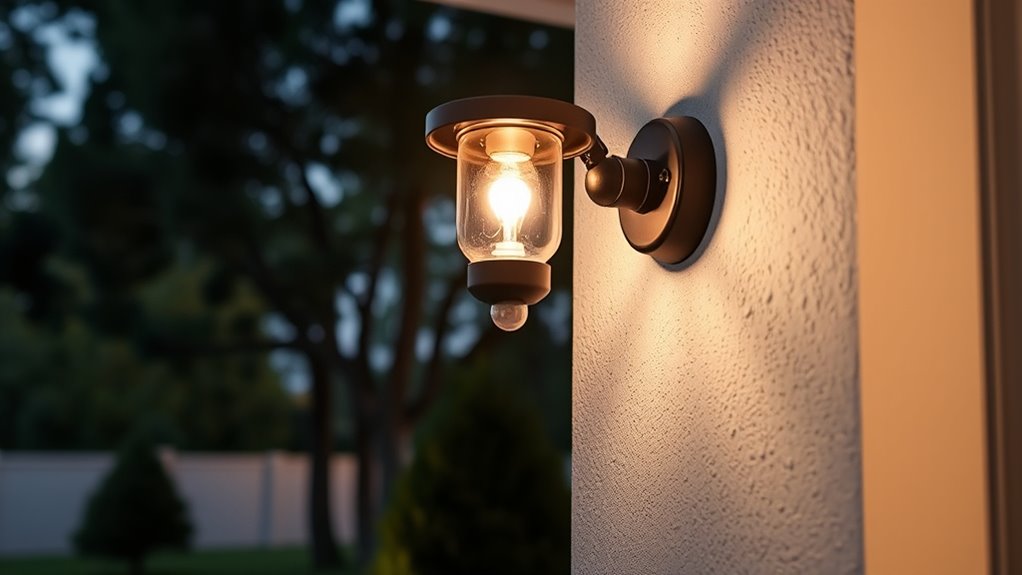
Have you ever wished your lights would turn on automatically when you enter a room? Installing a motion sensor is a simple way to make that happen and boost your home’s security. The key to a successful upgrade is understanding sensor placement and wiring considerations. These factors determine how well your sensor works and how smoothly the installation process goes.
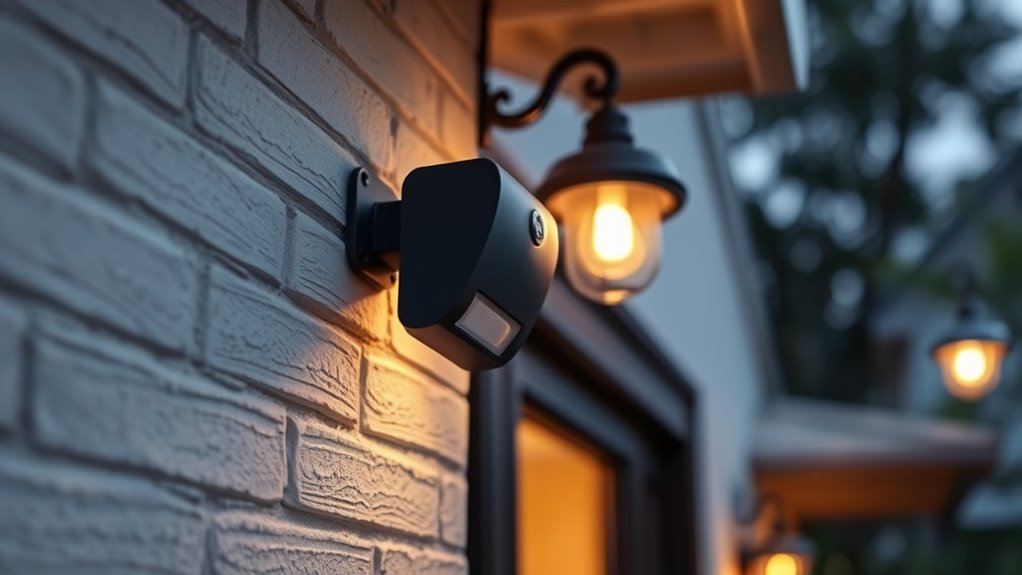
First, think about sensor placement. You want to position the sensor where it can detect motion effectively without false triggers. Usually, placing it near the entrance of a room or hallway works best, so the sensor can catch movement as you walk in. Avoid placing it near windows, vents, or areas with moving curtains, as these can cause false alarms. Mount the sensor at an appropriate height—typically about 6 to 8 feet off the ground—to maximize its field of view. Keep in mind that a sensor placed too high or too low may miss motion or trigger unnecessarily. Also, consider the sensor’s angle; many models have adjustable settings so you can fine-tune the detection zone, ensuring it covers the desired area without overlap or gaps.
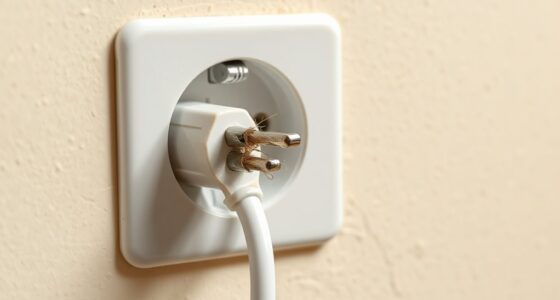
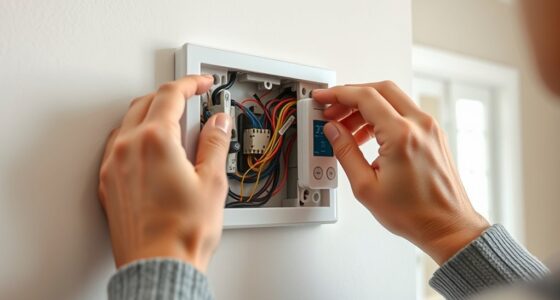
Wiring considerations are equally important. Before starting, turn off the power to the existing light fixture to avoid electrical hazards. If you’re comfortable with basic wiring, you can connect the sensor directly to your existing circuit. Some sensors are designed to replace your current switch, while others can be added alongside existing wiring with a bit of modification. Pay attention to the sensor’s wiring diagram—most will have clear instructions on how to connect the hot, neutral, and ground wires. If your home wiring doesn’t include a neutral wire at the switch box, make sure to choose a sensor compatible with your setup. Proper wiring ensures the sensor functions reliably and safely. Use wire connectors to secure all connections and insulate exposed wires thoroughly. Additionally, choosing a sensor with adjustable sensitivity can help optimize performance based on your environment. If you’re unsure about wiring or electrical safety, it’s always wise to consult an electrician.
Once installed, test your sensor by walking into the room to see if the light turns on as expected. Adjust the sensor’s position, angle, or sensitivity settings if needed to prevent false triggers or missed detections. Proper placement combined with correct wiring guarantees your motion sensor will work seamlessly, providing convenient, hands-free lighting and enhancing your home’s security. With a little effort, you’ll enjoy the benefits of a smarter, safer home in no time.
As an affiliate, we earn on qualifying purchases.
Frequently Asked Questions
Can I Use Existing Wiring for the Motion Sensor?
Yes, you can often use existing wiring for the motion sensor, but you should check wiring compatibility first. Confirm the wiring setup matches the sensor installation instructions and that the voltage and current ratings are compatible. If you’re comfortable with electrical work, you can typically connect the sensor to existing wiring, making installation easier. However, if you’re unsure, it’s best to consult a professional to avoid any wiring compatibility issues.
What Is the Best Placement Height for Sensors?
Studies show that properly placed sensors improve security by 85%. You should mount your motion sensors at about 6 to 8 feet high for ideal coverage. Use correct mounting techniques and guarantee sensor calibration is precise to avoid false alarms. Position sensors where they won’t be obstructed by plants or furniture, and aim them toward entry points. This height balances detection and minimizes false triggers, maximizing your home’s security.
How Do I Adjust the Sensor’s Detection Range?
To adjust the sensor’s detection range, start with sensor calibration by following the manufacturer’s instructions. Most sensors have sensitivity controls you can tweak to widen or narrow the detection zone. Increase sensitivity for a broader range or decrease it for more focused detection. Test the adjustments by walking through the area, ensuring the sensor triggers appropriately without false alarms. Regular calibration keeps your security system effective and tailored to your needs.
Will Weather Affect the Sensor’s Performance?
Weather can definitely play tricks on your sensor’s performance, like a mischievous wind stirring up false alarms. To keep things running smoothly, guarantee proper sensor calibration and follow weatherproofing tips, like sealing gaps and using protective covers. This way, your motion sensor stays as reliable as a loyal watchdog, unaffected by rain, snow, or fog. Keep it protected, and it’ll guard your home come rain or shine.
Are Motion Sensors Compatible With Smart Home Systems?
Yes, motion sensors are compatible with smart home systems, but you should verify their wireless compatibility first. Many sensors easily connect via Wi-Fi or Zigbee, allowing seamless integration. Keep in mind, proper sensor calibration is essential to avoid false alarms and ensure accurate detection. Once calibrated correctly and connected wirelessly, your motion sensor can work smoothly with your smart home system, providing better security and automation.
As an affiliate, we earn on qualifying purchases.
Conclusion
Adding a motion sensor to your light is a simple upgrade that can transform your home security overnight. It’s like having a vigilant guard dog that never sleeps, always watching and ready to alert you to any movement. With just a few easy steps, you’ll boost your safety and deter unwanted visitors. Don’t wait for trouble to knock—take control now and make your home as secure as a fortress. Your peace of mind is worth it!
outdoor motion sensor security light
As an affiliate, we earn on qualifying purchases.
As an affiliate, we earn on qualifying purchases.
adjustable sensitivity motion sensor
As an affiliate, we earn on qualifying purchases.
As an affiliate, we earn on qualifying purchases.
Fall Picks
fall essentials
As an affiliate, we earn on qualifying purchases.