
To stop LED lights from flickering, first make certain your dimmer switch is compatible with LED bulbs, as many older dimmers can cause issues. Double-check that wiring connections are correct and secure, avoiding loose or faulty wiring. If your dimmer isn’t LED-compatible, upgrading to a dimmer designed for LED lights can make a big difference. Pay attention to load ratings and ensure they match your fixtures. For more tips on troubleshooting and fixing flickering, continue exploring the solutions available.
Listen free for 30 days with Audible
Thousands of audiobooks and originals — cancel anytime.
As an affiliate, we earn on qualifying purchases.
Key Takeaways
- Use dimmers specifically designed for LED bulbs to ensure compatibility and stable dimming performance.
- Verify proper wiring connections, including live, neutral, and ground wires, according to manufacturer instructions.
- Replace older dimmer switches with LED-compatible models to prevent flickering and inconsistent lighting.
- Check for loose or incorrect wiring that may disrupt electrical flow and cause flickering issues.
- Consult a licensed electrician if unsure about wiring or compatibility to ensure safety and proper setup.

Are you experiencing flickering or dimming problems with your LED lights when using a dimmer? This is a common issue that can be frustrating, but understanding its root causes can help you fix it quickly. Often, these problems stem from compatibility issues between your LED bulbs and dimmer switches or wiring mistakes that disrupt the electrical flow. Recognizing the differences and potential pitfalls can save you time and money while ensuring your lighting functions smoothly.
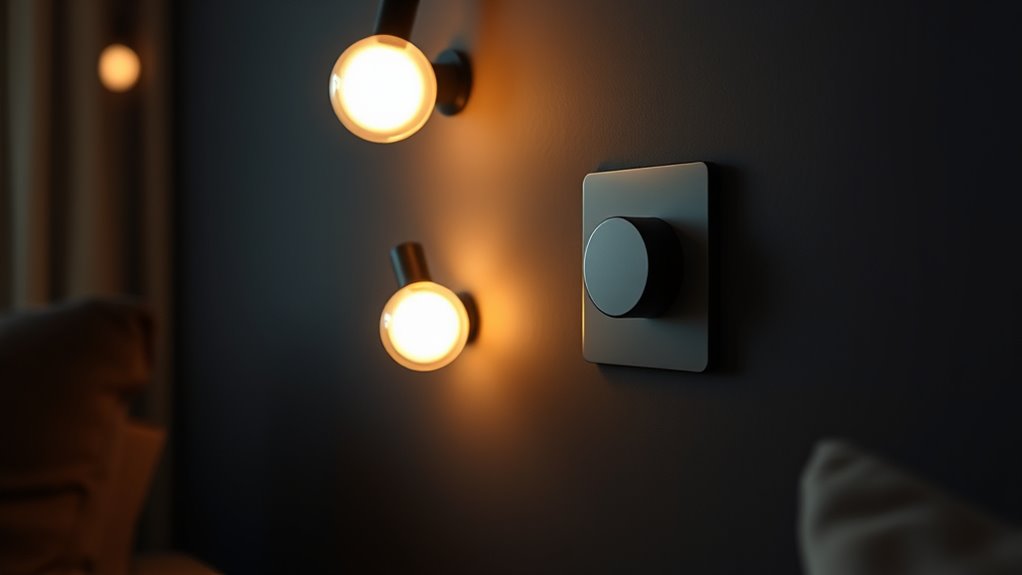
Compatibility problems are among the most frequent causes of flickering with LED lights. Not all dimmers are designed to work with LEDs, especially older models built for incandescent bulbs. Many dimmers operate through a mechanism that relies on a certain type of load, which might not match the low wattage or electronic nature of LEDs. When incompatible dimmers are paired with LED bulbs, you often see flickering, uneven dimming, or the bulbs turning off unexpectedly. To prevent this, always check whether your dimmer switch is labeled as LED-compatible. Upgrading to a modern, LED-specific dimmer switch can dramatically improve performance and eliminate flickering issues.
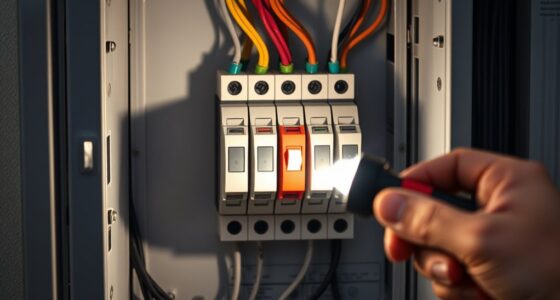
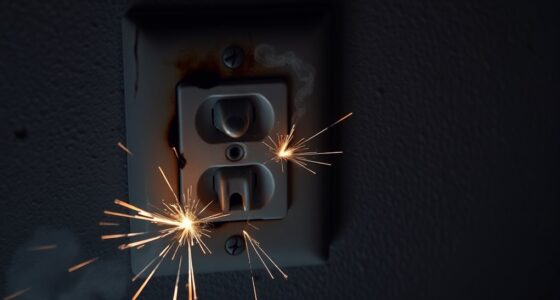
Wiring mistakes also play a significant role in LED flickering problems. Incorrect wiring can cause inconsistent electrical flow, resulting in flickering or dimming. For example, if the wires are loose or connected incorrectly, the LED bulb doesn’t receive a steady current, which causes fluctuations in brightness. Sometimes, the wiring configuration may not match the switch’s specifications, leading to compatibility problems that aren’t necessarily related to the dimmer itself. Double-check all wiring connections according to the manufacturer’s instructions, ensuring that the live, neutral, and ground wires are correctly connected. If you’re unsure about your wiring skills, consulting a licensed electrician can help you avoid costly mistakes and ensure everything is wired safely and correctly.
Additionally, some wiring mistakes are subtle but impactful. For example, if you have multiple switches controlling the same light, or if the dimmer is installed in a circuit designed for a different type of load, flickering may occur. Sometimes, the issue isn’t just the wiring but the overall electrical setup. Using dimmers with incompatible wiring configurations can cause inconsistent performance. It’s essential to verify that your wiring matches the specifications for both the dimmer switch and the LED bulbs you are using. Moreover, understanding the contrast ratio and how it impacts the overall performance of your LED lights can help in selecting the right dimmer and setup for optimal results.
LED dimmer switch compatible with LED bulbs
As an affiliate, we earn on qualifying purchases.
As an affiliate, we earn on qualifying purchases.
Frequently Asked Questions
Can I Use Any Dimmer Switch With LED Lights?
You can’t use any dimmer switch with LED lights. Make certain to select a dimmer switch compatible with LEDs, as not all are suitable. Check the dimmer switch compatibility before wiring dimmer switches to avoid flickering and buzzing. Proper wiring is essential; follow the manufacturer’s instructions carefully to guarantee safe installation. Using the right dimmer switch designed for LED lights guarantees smooth dimming and prevents issues.
Why Do LED Lights Flicker Only at Certain Dimmer Levels?
You notice your LED lights flicker only at certain dimmer levels because of dimming compatibility issues. When the flicker frequency isn’t well-matched to your LED bulbs, flickering becomes noticeable at specific settings. To fix this, make certain your dimmer switch is compatible with LEDs and designed for smooth dimming. Adjusting the dimmer gradually can also help reduce flickering, creating a more consistent lighting experience across all levels.
Are Wireless Dimmers Less Likely to Cause Flickering?
Wireless dimmers are less likely to cause flickering because they often offer better dimmer compatibility with LED lights. Their wireless advantages include precise control and smoother dimming, reducing flickering issues caused by incompatible dimmers. You can enjoy consistent lighting without flicker, as wireless systems typically adapt better to LED characteristics. Make sure to choose a wireless dimmer compatible with your LED bulbs for ideal performance and flicker-free lighting.
How Do I Identify if My LED Bulb Is Compatible?
You can identify if your LED bulb is compatible by checking the packaging or manufacturer’s specifications for bulb compatibility and dimmer matching. Look for labels like “dimmable” and verify the bulb supports your specific dimmer type. If you’re unsure, consult the LED bulb manufacturer’s compatibility list or contact customer support. Proper dimmer matching and choosing compatible bulbs are essential to prevent flickering and ensure smooth dimming performance.
Will Replacing the Switch Resolve Flickering Issues?
Replacing the switch can often resolve flickering issues if wiring problems or incompatible switches are causing the problem. A switch replacement addresses loose or faulty wiring connections and guarantees you’re using a dimmer compatible with your LED bulbs. If flickering persists, double-check your wiring and compatibility. Remember, upgrading to a compatible dimmer switch designed for LEDs can make a significant difference in eliminating flickering.
LED dimmer switch for flickering lights
As an affiliate, we earn on qualifying purchases.
As an affiliate, we earn on qualifying purchases.
Conclusion
Now that you understand the common LED dimmer issues, you’re better equipped to troubleshoot and fix flickering lights. While some problems stem from incompatible dimmers or wiring, others are simple adjustments or replacements. Fixing flickering can be frustrating, but resolving it brings peace of mind. You’ll enjoy smooth dimming, steady illumination, and fewer headaches. Brighten your space effortlessly, and remember—sometimes, the smallest tweak makes the biggest difference.
As an affiliate, we earn on qualifying purchases.
As an affiliate, we earn on qualifying purchases.
Flea & tick season Picks
flea and tick prevention
As an affiliate, we earn on qualifying purchases.