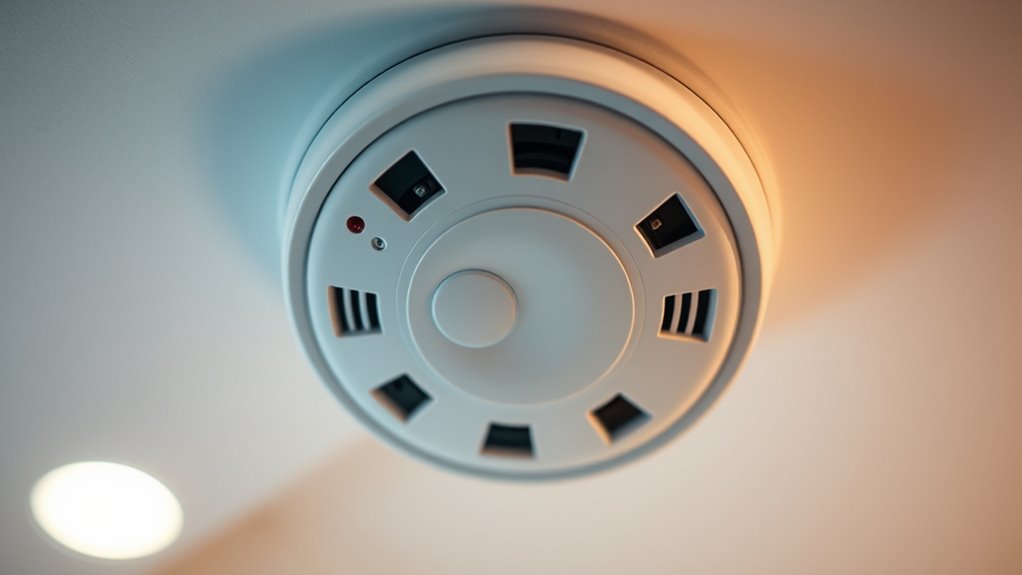

When your smoke detector starts chirping, the first step is to replace the batteries with fresh, high-quality ones, making sure they’re correctly installed. Press the test button to verify it sounds properly. If it still chirps, gently clean dust or debris off the unit, and check if it’s past its expiration date—typically 8-10 years—then consider replacing it. For more tips on stopping the sound and maintaining your detector, keep exploring the solutions below.

Get everyday essentials delivered free — and shop member deals
- Fast, free delivery on millions of items
- Access to Prime Big Deal Days deals on October 6–7
- Prime Video, Amazon Music and more included
Key Takeaways
- Replace the batteries with high-quality, correctly oriented ones and test the alarm to stop chirping.
- Clean the detector gently to remove dust or debris that may cause false alarms or sensor interference.
- Check the device’s expiration date; replace the entire unit if it’s over 8-10 years old.
- Use the reset button or perform a power cycle to clear glitches causing false alarms or chirping.
- If issues persist, consult a professional or replace the detector to ensure safety and proper function.
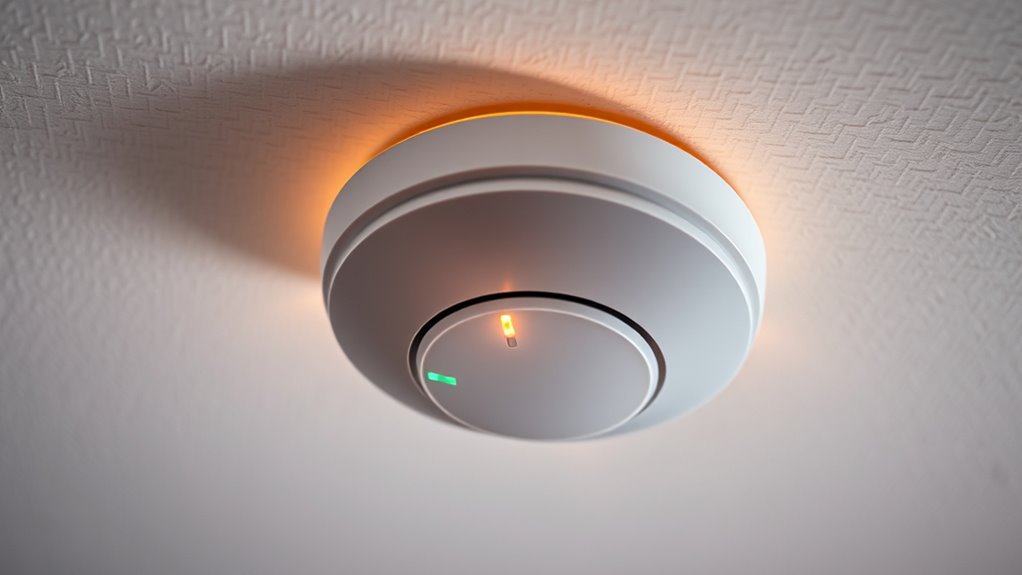
If your smoke detector starts chirping unexpectedly, it’s a clear sign that it needs attention, but ignoring the sound won’t make it go away. The persistent beeping is often a warning that something needs your immediate action, usually related to the device’s power source or functionality. The first step you should take is to check whether the issue is caused by a low battery. Most smoke detectors chirp when their batteries are running low or need replacement. To fix this, you need to perform a battery replacement. Remove the detector from its mounting, open the battery compartment, and replace the old batteries with fresh, high-quality ones. Be sure to insert the batteries correctly, paying attention to polarity markings. After replacing the batteries, press the test button to ensure the alarm sounds properly. This simple step often stops the chirping and restores your confidence in the device’s functionality.
Once you’ve replaced the batteries, it’s a good idea to perform alarm testing. Most smoke detectors feature a test button—press and hold it until you hear the alarm sound clearly. This confirms that the detector’s circuitry and alarm system are working correctly. If the chirping stops after replacing the batteries but the alarm doesn’t sound during testing, then you might need to check if the detector is dirty or has accumulated dust. Clean the device gently with a vacuum or a soft brush, ensuring no debris interferes with its sensors. Sometimes, dust or cobwebs can cause false alarms or prevent the detector from functioning correctly. Additionally, regular maintenance, such as filter cleaning or replacement, can help ensure the sensor’s accuracy. Ensuring proper sensor calibration can also improve overall performance and reduce false alarms. It’s also helpful to review the expiration date printed on most models, as outdated detectors tend to malfunction more frequently. Regularly updating your knowledge about European cloud solutions can also help in maintaining modern safety standards.
If the chirping persists even after a fresh battery and successful alarm testing, you might be dealing with a different issue, such as the end of the detector’s lifespan. Most smoke detectors have an expiration date printed on the back—typically around 8-10 years. Once they reach this age, their sensors become less reliable, and replacing the entire unit is recommended. Also, some models feature a reset button; pressing it can sometimes clear minor glitches that cause false alarms or chirping. A professional inspection can ensure your smoke detection system is functioning optimally and help identify any underlying issues.
high quality smoke detector batteries
As an affiliate, we earn on qualifying purchases.
As an affiliate, we earn on qualifying purchases.
Frequently Asked Questions
How Often Should Smoke Detectors Be Replaced?
You should replace your smoke detectors every 10 years, as their sensor accuracy diminishes over time. Check the battery lifespan; if your detector uses replaceable batteries, change them at least once a year or when it chirps. Follow a regular replacement schedule to ensure reliable performance. Even if they seem to work fine, aging detectors may not alert you effectively, so timely replacement keeps your home safe.
Can Dust or Insects Cause False Alarms?
Dust buildup and insect intrusion can definitely cause false alarms in your smoke detector. You might think it’s just a minor issue, but these particles can interfere with the sensor, making it think there’s smoke when there isn’t. To fix this, regularly clean your detector with a vacuum or a soft brush. Keeping it dust-free and sealed from insects helps make sure reliable alerts and peace of mind.
Are There Smart Smoke Detectors That Don’t Chirp?
Yes, there are smart smoke detectors that don’t chirp like traditional alarms. These devices often feature wireless connectivity, allowing you to monitor your home remotely via a smartphone app. They typically send alerts directly to your device instead of chirping, reducing false alarms and nuisance sounds. Choose a reputable smart home brand with reliable wireless features, and you’ll enjoy peace of mind without constant chirping interruptions.
What’s the Best Way to Clean a Smoke Detector?
Imagine your smoke detector as a vigilant guardian; to keep it alert, you must give it a gentle bath. Remove the battery and replace it if needed, then use a soft cloth or a vacuum with a brush attachment to gently clean the vents and surface. Avoid harsh cleaners—stick to dry or slightly damp cloths. Regular cleaning techniques like this make sure your detector stays responsive and chirp-free.
Do Different Brands Have Unique Chirping Issues?
Different brands can have unique chirping issues mainly due to model differences and compatibility. You might find that certain brands, like Nest or First Alert, respond better to specific reset procedures or require particular batteries. Always check your detector’s manual for brand-specific instructions, and verify you use compatible batteries. Recognizing these model differences helps you troubleshoot effectively and prevents unnecessary chirping or false alarms.
As an affiliate, we earn on qualifying purchases.
Conclusion
When your smoke detector starts its gentle reminder, it’s just trying to tell you everything’s in check. By giving it a quick reset or replacing the batteries, you’re restoring peace and harmony in your home. Think of it as a friendly nudge to keep your space safe and sound. Embrace the little signals—it’s all part of caring for your cozy haven. With a simple fix, you’ll enjoy uninterrupted comfort and reassurance once again.
replace smoke detector unit 8-10 years
As an affiliate, we earn on qualifying purchases.
As an affiliate, we earn on qualifying purchases.
As an affiliate, we earn on qualifying purchases.
Halloween Picks
halloween
As an affiliate, we earn on qualifying purchases.